

This article is a written account of a video from the Lens Of James YouTube channel. Watch the video above and subscribe if you like what you see!
This article contains affiliate links to relevant products I have used in my videos. By buying through these links, I receive a small percentage of the sale at no cost to you which helps me support and grow my website and YouTube channel, so I can create more content like this in the future. Thank you for your support.
In this article…
- Introducing the Wolfbox G900 Pro
- Unboxing the G900 Pro
- Key Features and Benefits
- Setup and Installation
- App Connectivity
- Pricing and Packages
- Comparison: G900 Pro vs. G900
- Conclusion: Is the Wolfbox G900 Pro Worth It?
Introducing the Wolfbox G900 Pro
The Wolfbox G900 Pro is a cutting-edge rearview mirror touchscreen dash cam that records in up to 5K HDR quality, or 4K with a 2.5K reversing camera. Whether you’re driving or parked, this advanced system ensures comprehensive vehicle surveillance day or night.
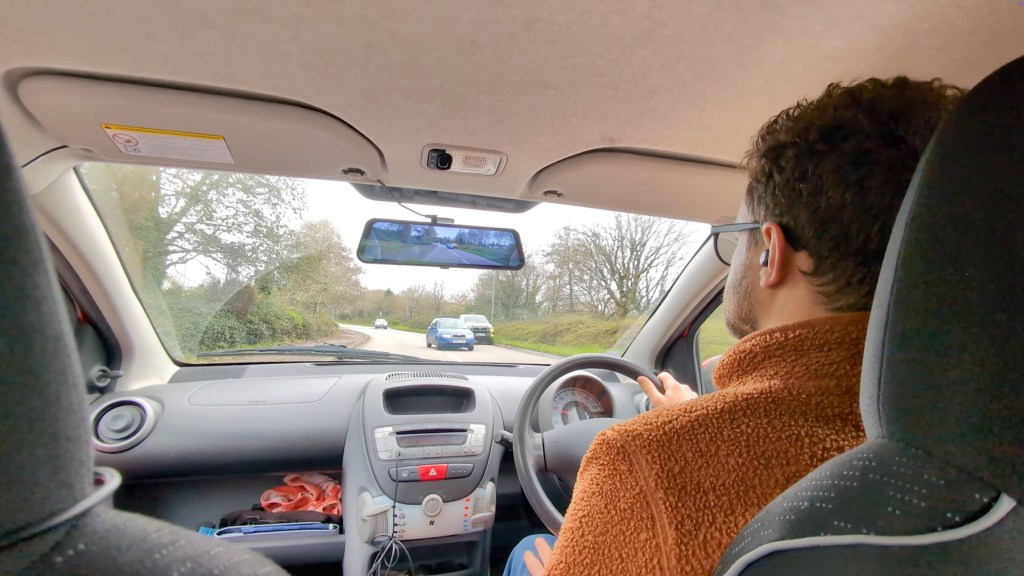
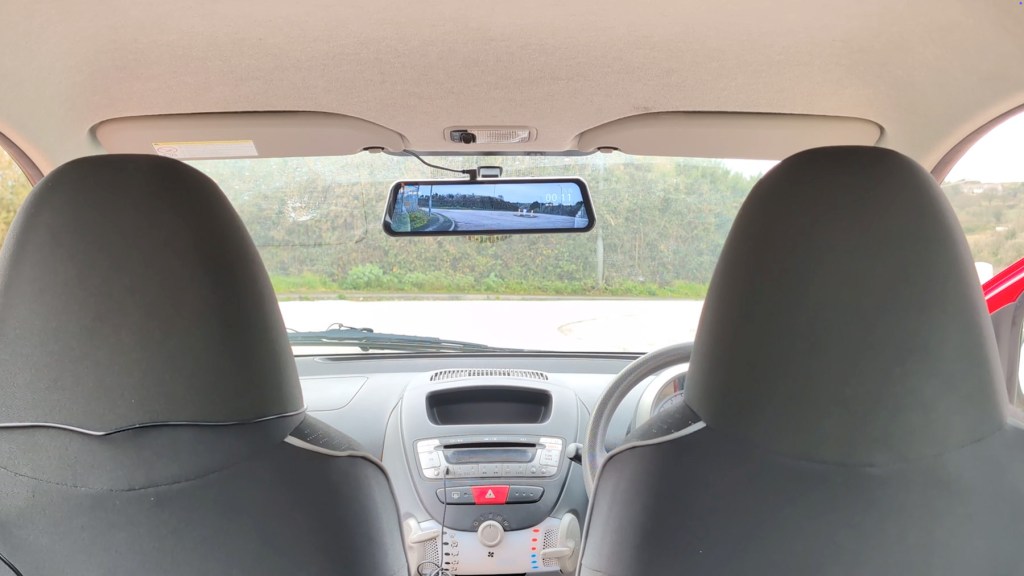
In this guide, I’ll explore the basic and extended packages of the G900 Pro, along with its impressive add-ons, showcasing why it’s an ideal choice for vehicle security.
Just so you know, Wolfbox provided the G900 Pro for review purposes, but all opinions expressed here are entirely my own. If you’re interested in purchasing one, check out the affiliate links throughout the article.
Let’s take a closer look!
Unboxing the G900 Pro
The Wolfbox G900 Pro dash cam comes in a stylish box containing:
- Rearview mirror dash cam with a 12-inch digital touchscreen
- 5K front camera and 2.5K reversing camera
- Accessories like GPS modules, mounts, hardwiring kits, and more
This isn’t your typical rearview mirror—it’s a high-resolution digital display that replaces your standard mirror, offering advanced features like real-time video feeds and easy access to settings.

The build quality is exceptional, with a robust 170-degree front-facing camera lens and sleek design. The USB-C power cable, AV port, and pre-installed 128GB microSD card make setup straightforward.
The reversing camera comes with IP67 waterproofing, multiple mounting options, and a 7-meter cable, making it adaptable to various vehicles.
Click to buy your own…


(Affiliate links which help support this blog)
Key Features and Benefits
High-Resolution Video Recording:
- Front camera: 5K HDR video
- Front and rear setup: 4K + 2.5K resolution
- Superior night vision: Clear visibility even in low-light conditions


Wide-Angle Lenses:
The 170-degree lens captures a broad view of the road, ensuring no blind spots.
Smart Touchscreen Interface:
The 12-inch touchscreen provides a responsive and intuitive user experience, allowing you to toggle between front and rear camera views effortlessly.
Advanced Functionality:
- GPS tracking for precise speed and location data
- G-sensor technology to detect impacts and secure critical footage
- Loop recording to ensure you never run out of space

Setup and Installation
Setting up the Wolfbox G900 Pro is easy. Whether you’re using the included rubber straps to attach it over your rearview mirror or the sticky pad mount, the process is user-friendly.
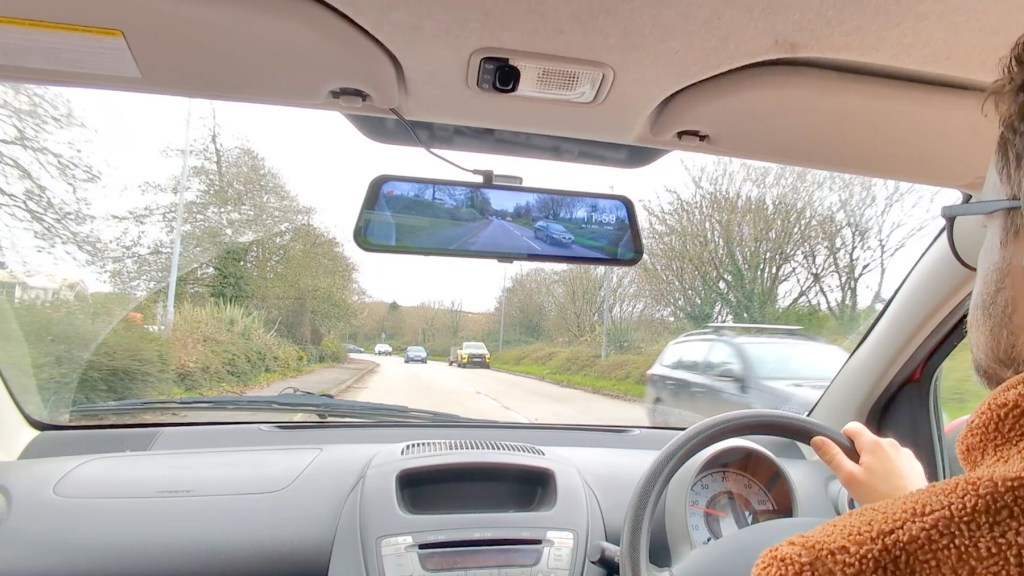
For a more permanent solution, consider the hardwiring kit, which provides constant power directly from your vehicle’s fuse box. This enables features like parking surveillance without draining your car battery.
The reversing camera installation is also straightforward. By connecting the red wire to your vehicle’s reverse light, the G900 Pro automatically activates parking assist lines on the display.
Click to buy your own…
(Affiliate links which help support this blog)
App Connectivity
The Wolfbox mobile app allows you to:
- View real-time footage
- Access saved videos and images
- Adjust settings like resolution, loop recording, and G-sensor sensitivity
The app is fast, responsive, and simple to connect via the device’s Wi-Fi hotspot.
We’re also on Instagram!
Check out yogi.the.van to keep up-to-date with all our adventures in the van!


Pricing and Packages
- Basic package: $360/£320
- Extended package: $450/£340
While the price reflects the premium features and build quality, it’s worth considering if you’re seeking top-tier dash cam performance.
Comparison: G900 Pro vs. G900
If you’re deciding between the G900 Pro and the standard G900 model, here’s a quick comparison:
- Enhanced cameras: The G900 Pro features an upgraded Sony Starvis IMX678 sensor for sharper images.
- More memory: The Pro offers 128GB of storage compared to the G900’s 64GB.
- Additional features: Includes voice control, fatigue driving alerts, and Wi-Fi connectivity.

Click to buy your own…
(Affiliate links which help support this blog)
Conclusion: Is the Wolfbox G900 Pro Worth It?
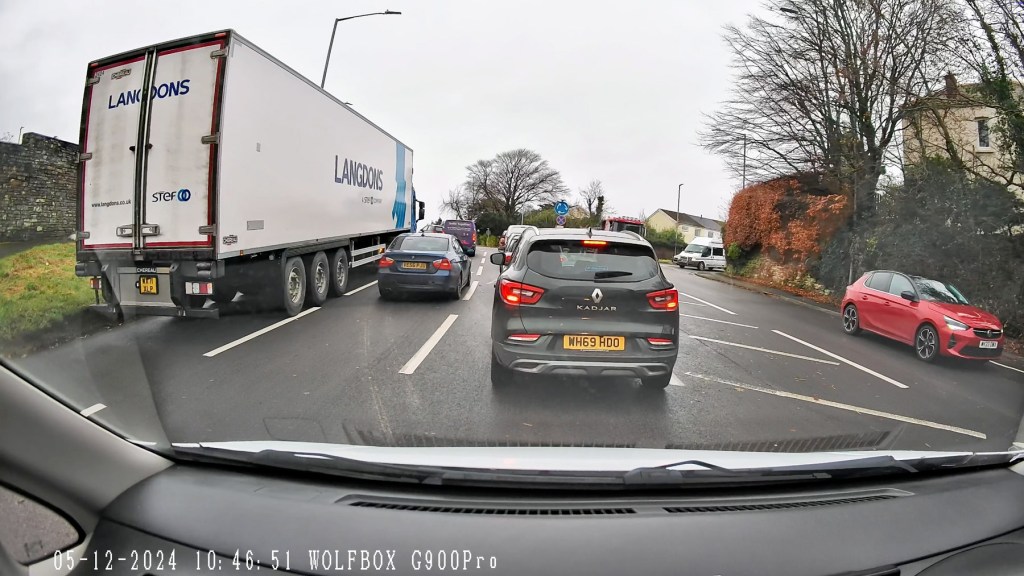
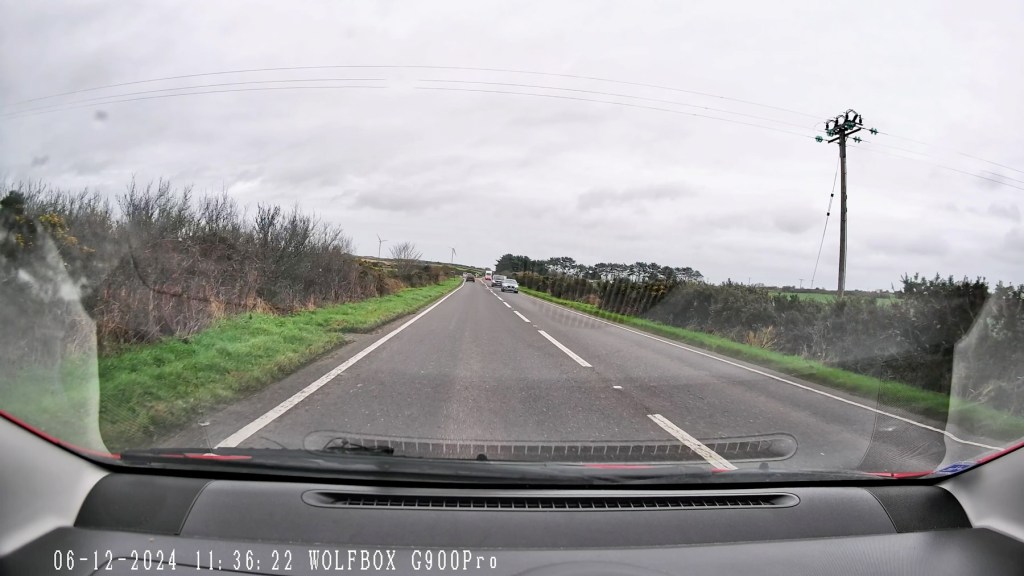
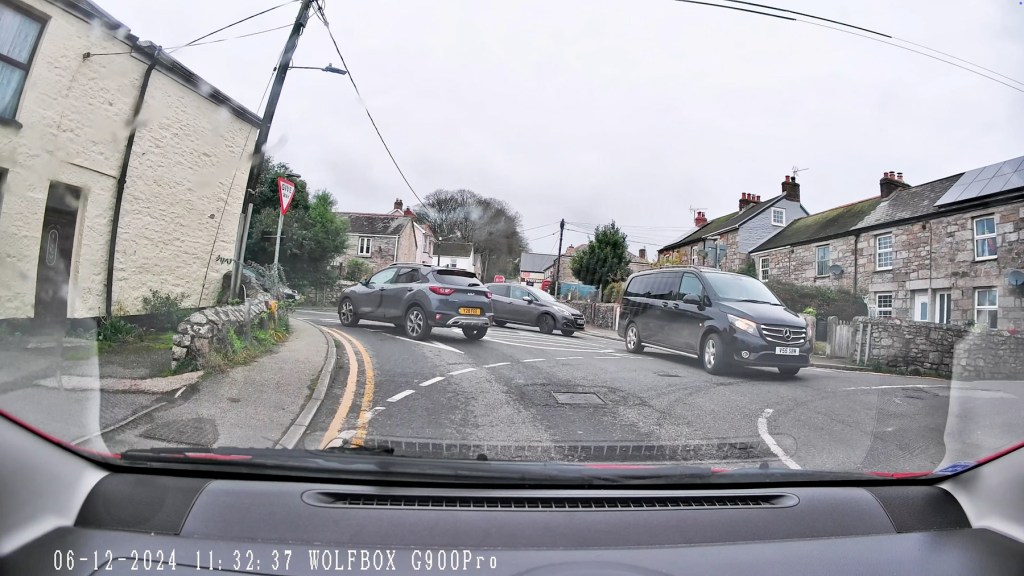
The Wolfbox G900 Pro is a feature-packed dash cam system designed to enhance both safety and convenience for drivers. With up to 5k forward filming or 4k and 2.5k front and rear, it’s up there with the best on the market and the video footage speaks for itself.
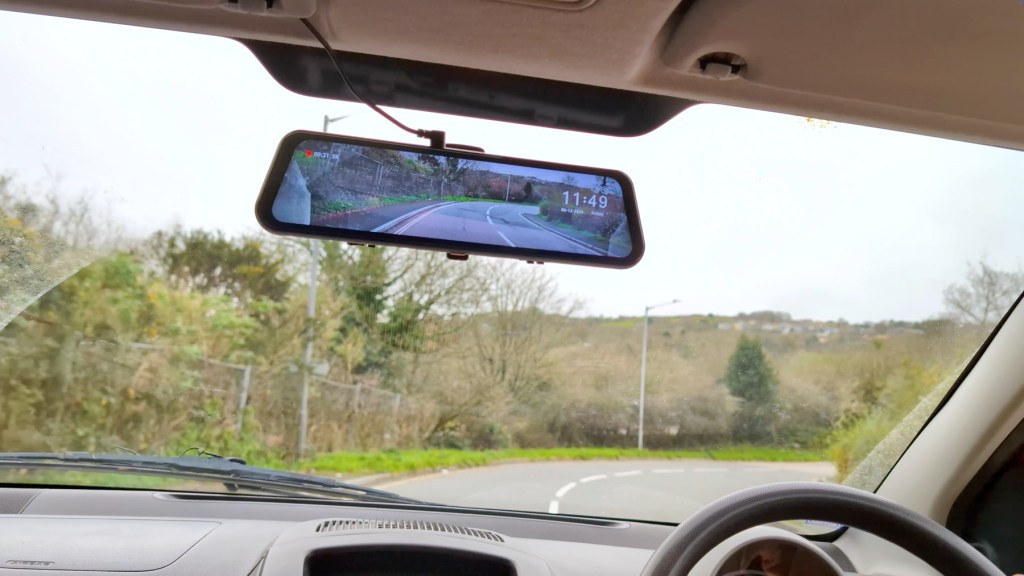
The G900 Pro couples a great dash cam with practical functionality. The clear 12 inch touchscreen, advanced settings, parking surveillance and GPS tracking make it a really comprehensive device.
I do feel that the sticky pad mount is pretty bulky as there are smaller mounts available for other devices, but it’s great to have multiple mounting options to cater for different vehicles and set ups.
Overall, you’re getting a high quality device with cutting edge features and top-tier performance that will elevate the technology of any vehicle.
Click to buy your own…
(Affiliate links which help support this blog)
 The Tiny Camper Van
2 responses to “Wolfbox G900 Pro: The Ultimate Dash Cam Experience”
This could be super interesting for my van without rear windows. However, I guess the angles while driving and for parking have to be quite different. How is that solved? Do I have to install two separate cameras?
LikeLike
Hi Peter, there’s only a port to connect one rear camera so would have to find a spot that covers the best of both angles.
LikeLike