

This article is a written account of a video from the Lens Of James YouTube channel. Watch the video above and subscribe if you like what you see!
This article contains affiliate links to relevant products I have used in my videos. By buying through these links, I receive a small percentage of the sale at no cost to you which helps me support and grow my website and YouTube channel, so I can create more content like this in the future. Thank you for your support.
Introduction The CHGeek Wireless Car Phone Fast Charger
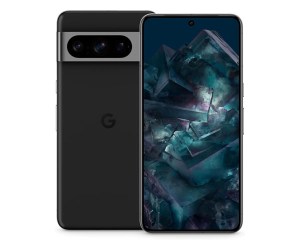
I needed a new phone holder for my van dashboard and wanted to get one which would charge my phone wirelessly. Trouble is, I have a Pixel 8 Pro and you can’t always rely on wireless chargers to charge pixels quickly – they’re often geared towards iPhones and Samsungs, leaving just a few watts of charging for phones like the Pixels which is by no means fast enough for decent amount of charging on shorter journeys.

You’ve also got to hope that the charging coils in the charger line up with those in your phone, so there are more than a few considerations when choosing a car charger.
In this video I’ll go through the car charger I’ve chosen, its installation and how you know that it’s charging at – relatively – fast speeds.
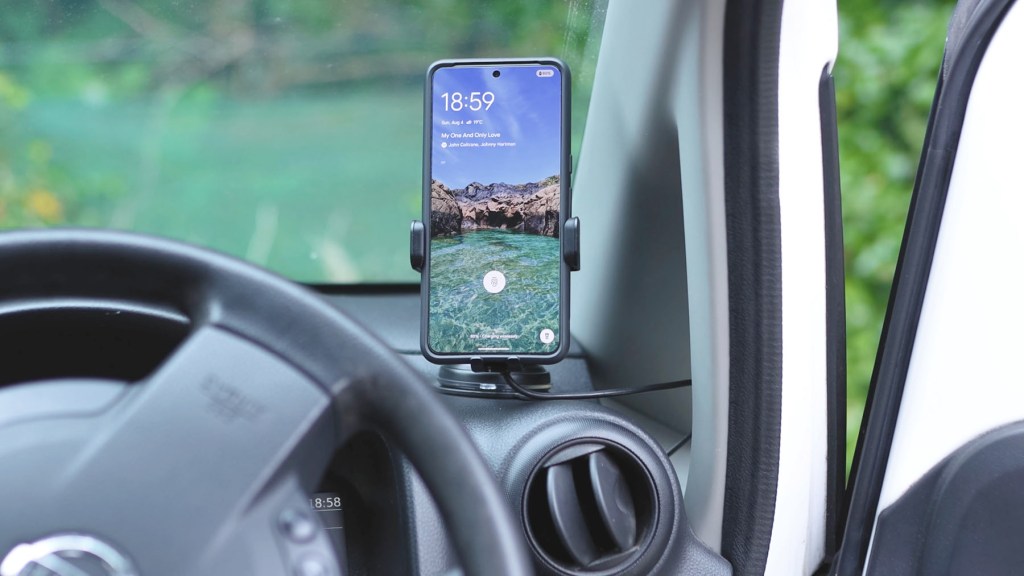
I wanted wireless charging because, if I’ve got the ability built into my phone, then I might as well use it and I love the idea of not plugging a cable into my phone every time.
I found this 15w wireless car charger from CHGeek which promised fast charging for pixels, as well as auto clamping, and managed to get it off Amazon for £24. I’ve got an affiliate links throughout this article to it and everything else you might need throughout this article if you’re interested.
This isn’t in any way a sponsored post as I bought the car charger myself – I just wanted to share my experience as I reckon there are at least a few people out there who want a decent wireless car charger for
Click to buy your own…

(Affiliate links which help support this blog)
Unboxing The Fast Wireless Car Charger
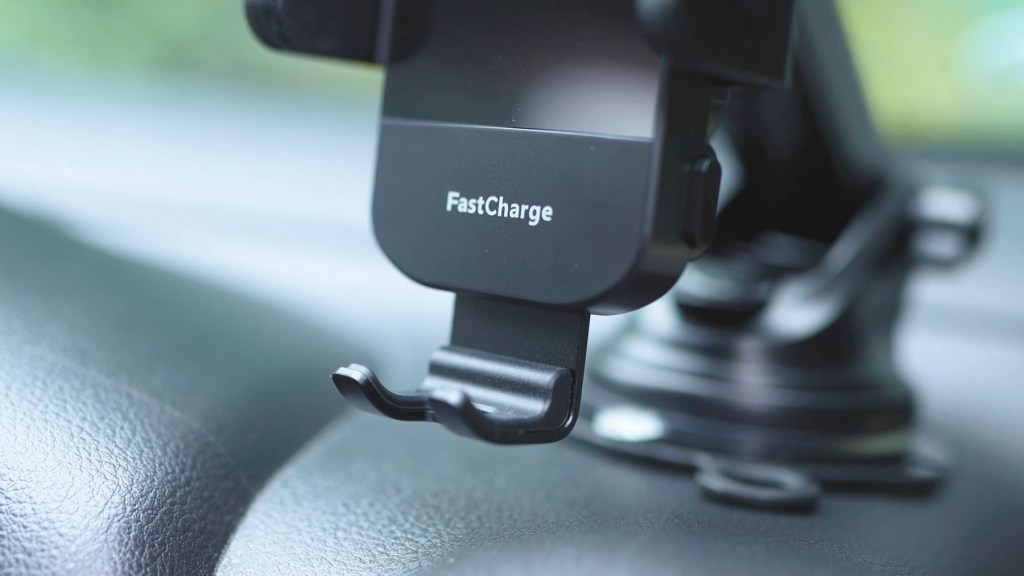
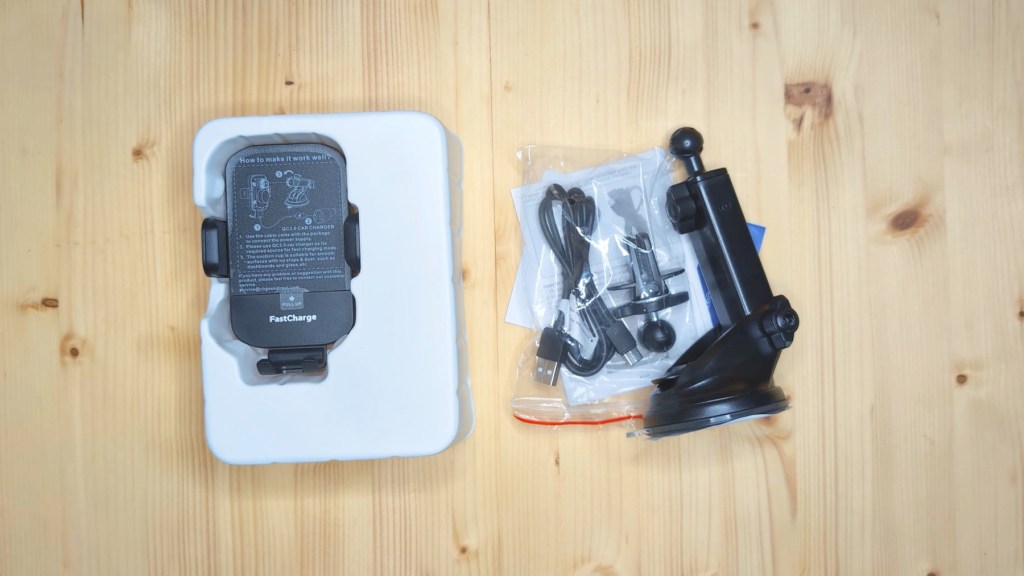
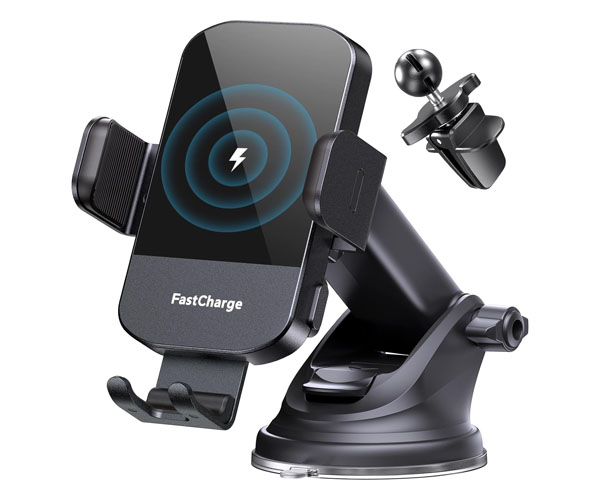
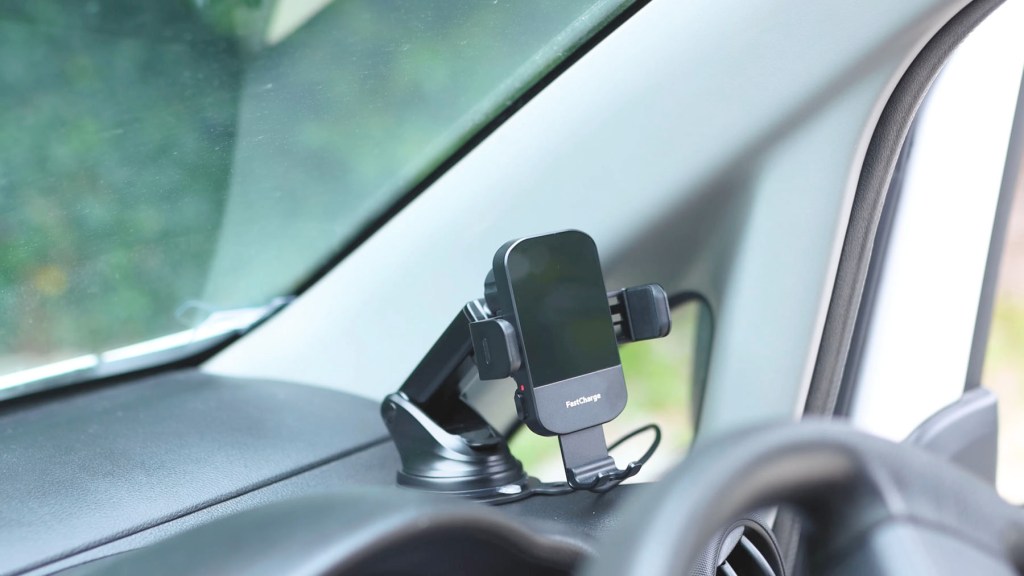
Unboxing the car charger, you’ve got the cradle itself which is relatively small with a bit of a bulky back for the electrics.

The sides have rubber to stop your phone getting scratched and the tray which holds the bottom of your phone is metal.


Removing protective plastic, you have a shiny plastic finish, behind which sit the wireless charging coils. The buttons which activate the clamping mechanism still work without the charger plugged into power, so you can still release your phone even if the engine’s off.
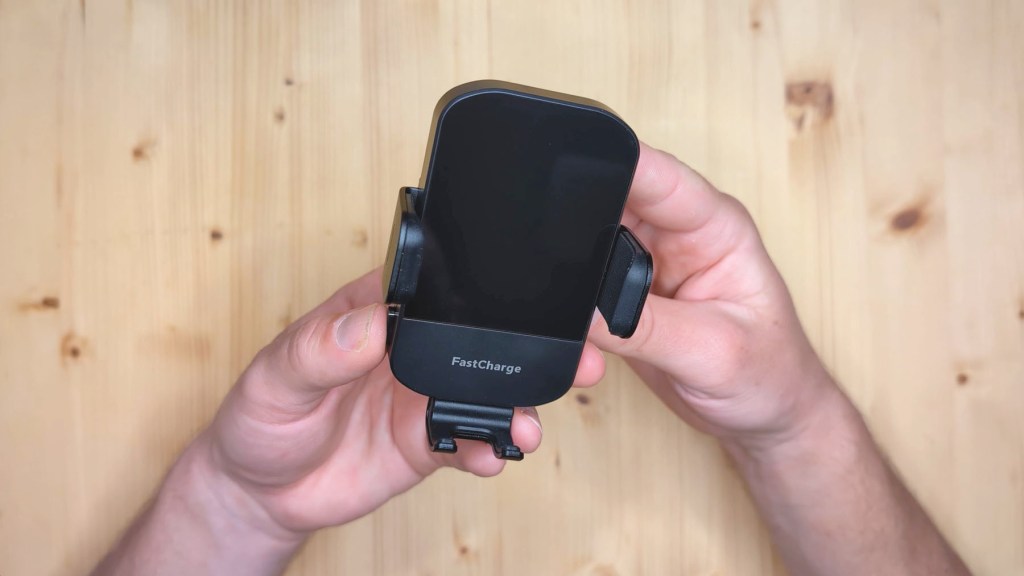
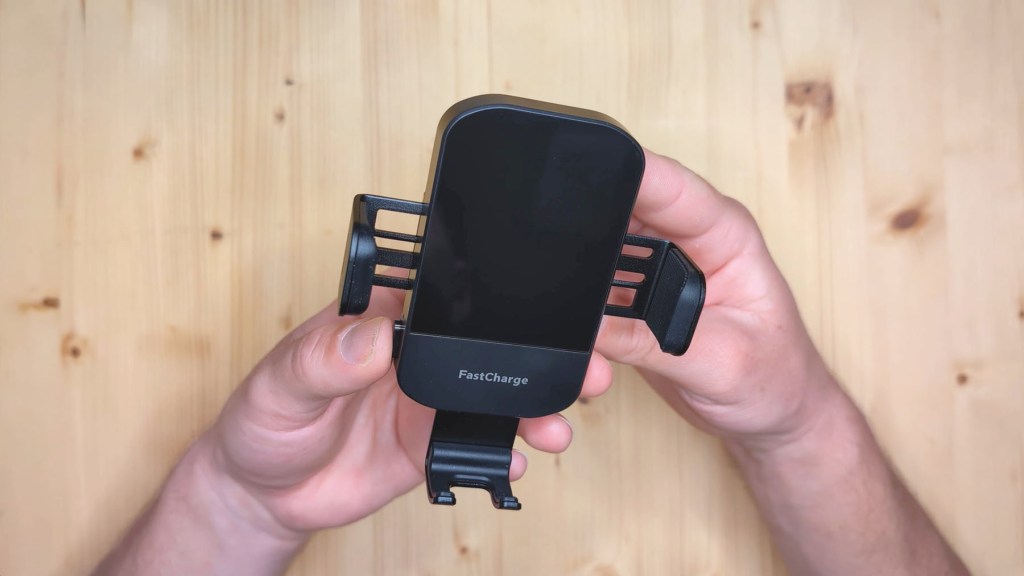
On the bottom of the charger you have the USB-C port which provides power.
Underneath are the accessories which include a suction cup mount with a ball head which is highly adjustable in a number of directions, as well as having a VERY sticky suction cup for good mounting to the dashboard.
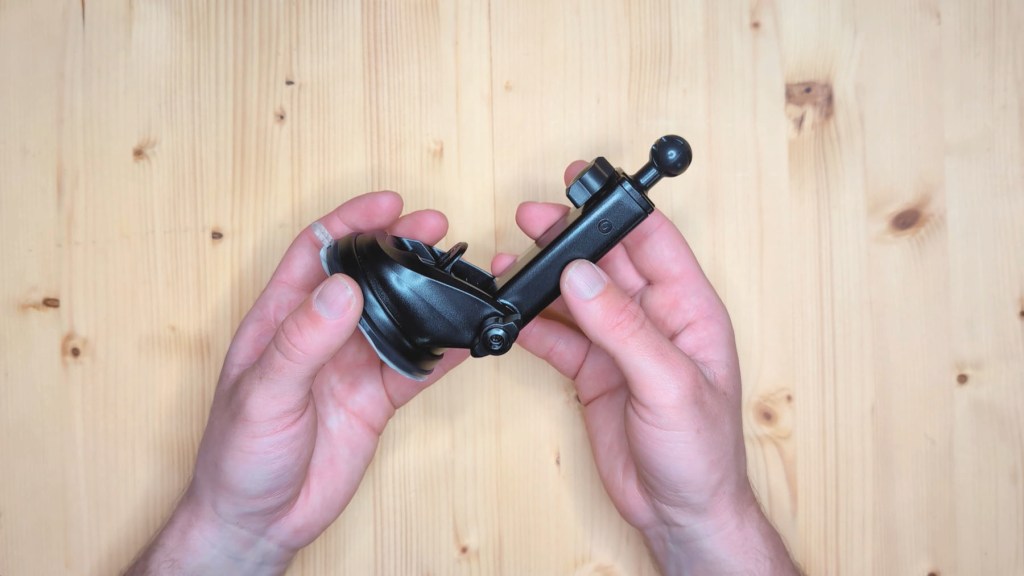
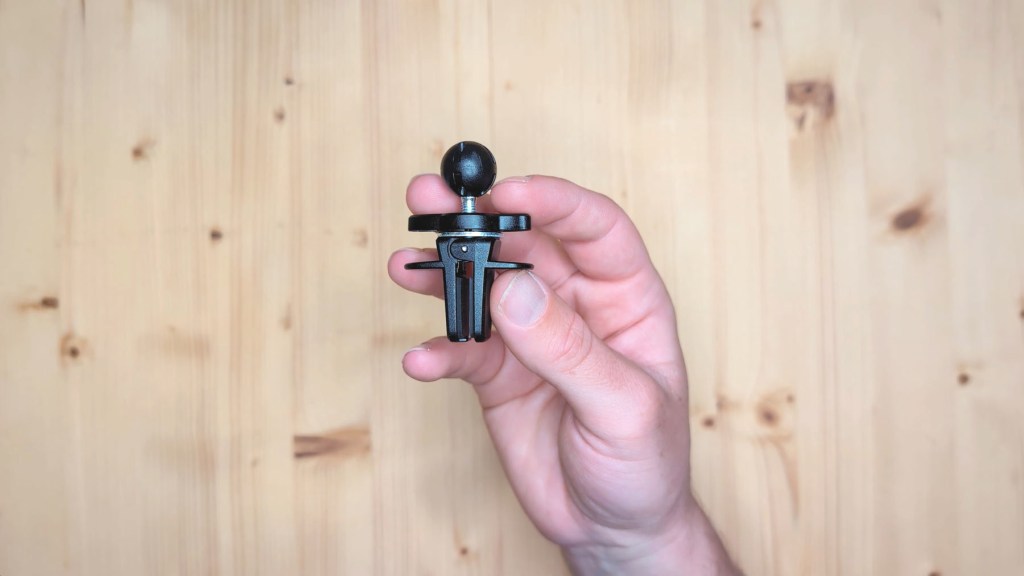
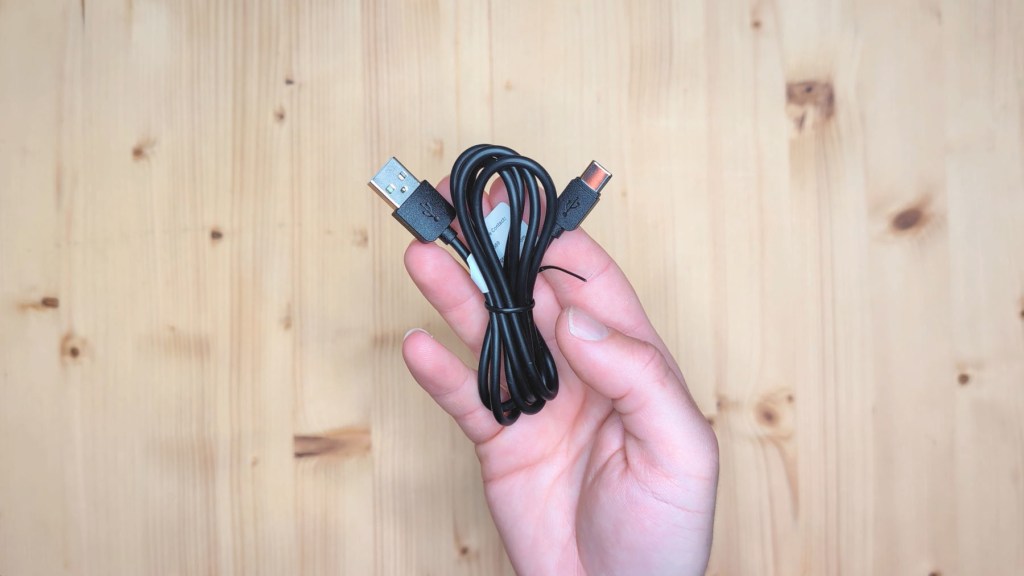
There’s also a tightening vent mount with a ball head which is quite a small method of mounting and then a 1 metre long USB-A to USB-C cable
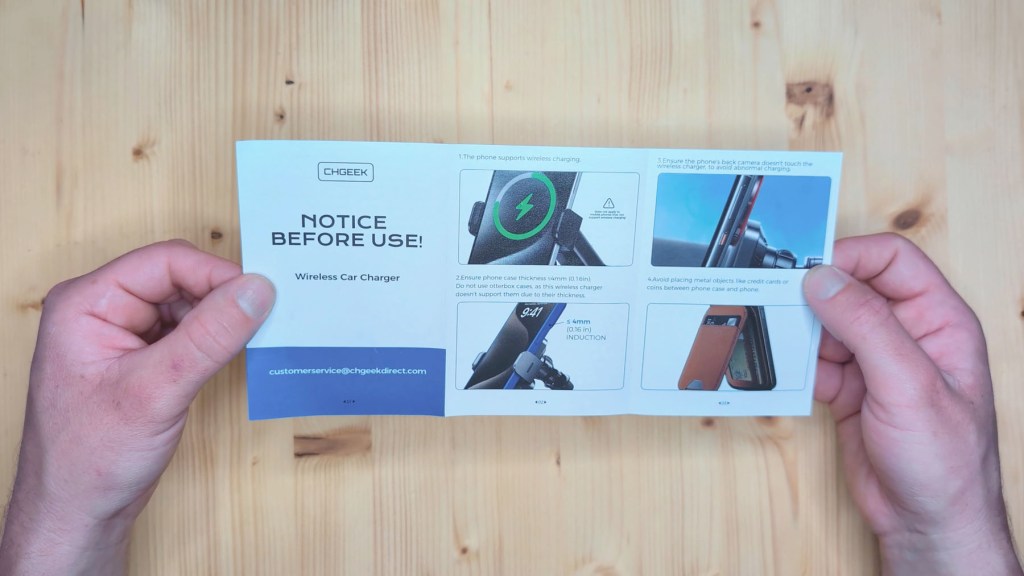
And finally a welcome guide and a booklet to read before first use



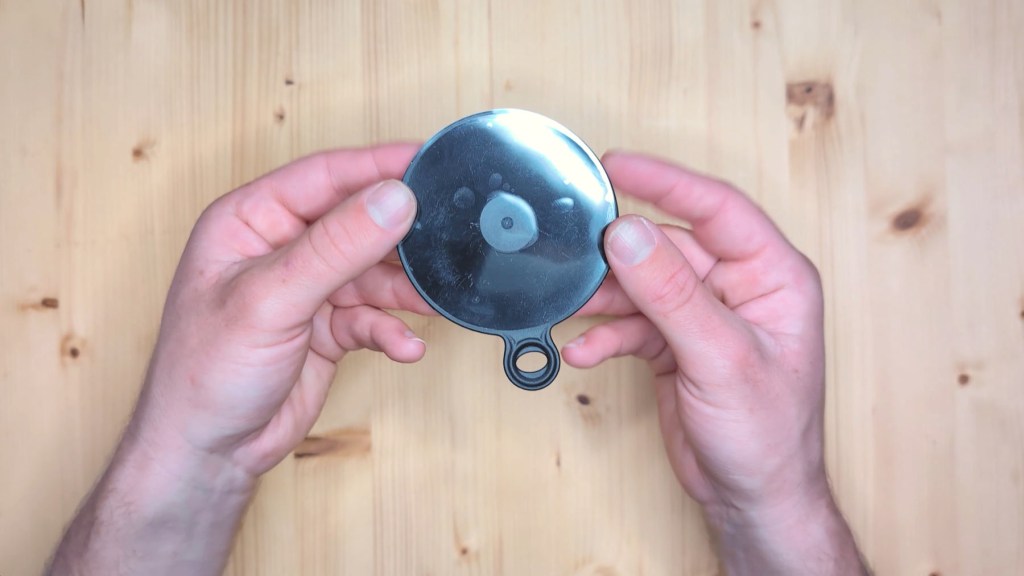
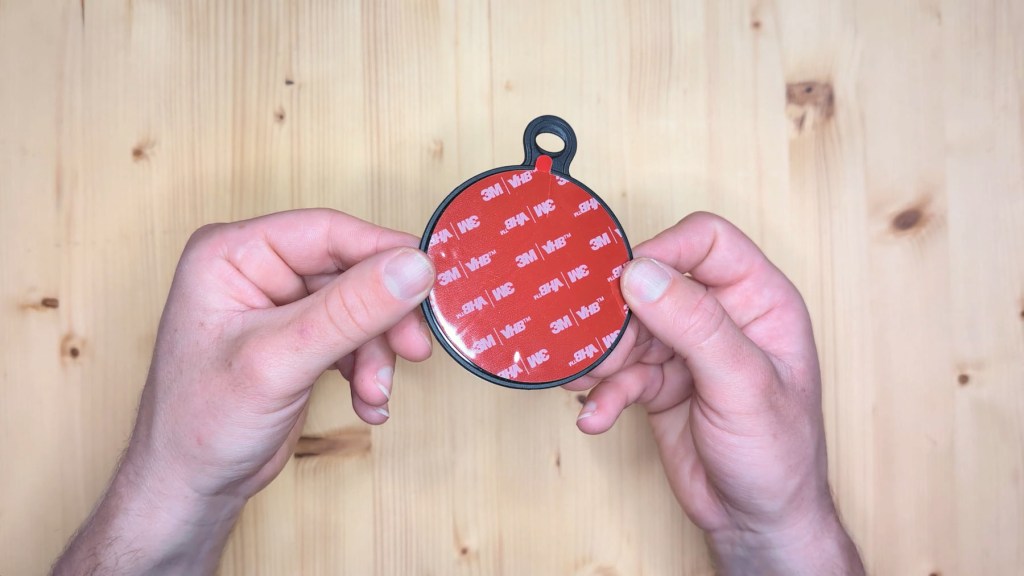
Because my dashboard isn’t completely flat and has texture to it, and I want to ensure the firmest hold possible, I’ve also purchased a suction cup mounting plate which I’ve also linked below. This will stick to the dashboard and provide a much better surface to clamp to.
Click to buy your own…
(Affiliate links which help support this blog)
How To Install An Android Fast Wireless Car Charger
Talking of installing the phone holder, let’s do just that and although you can put these in many places on your dashboard, I prefer mine tucked in the right hand corner as I have the lovely Carpuride W903 dashboard console in the middle of mine.
The first step is to wipe the surface down thoroughly to get the best adhesion and then I could look at mounting.
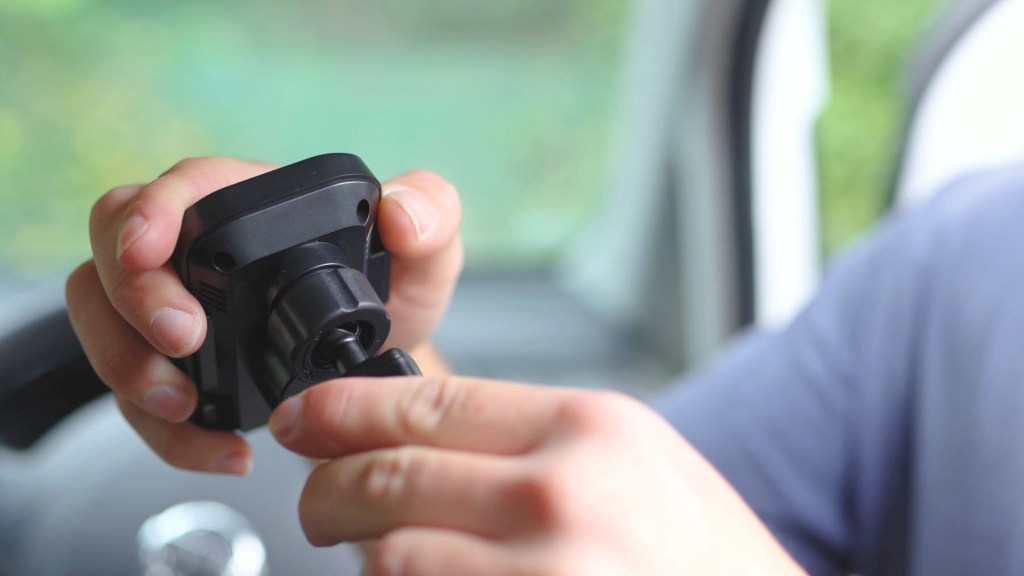
The ball head of the suction cup mount seats nicely in the cradle of the phone charger, with the collar screwing tightly around it to stop it from moving.
Next I could grab the mounting plate and, whilst you don’t have to use one of these by any means, I thought it was a good idea to get the best hold to my dashboard.
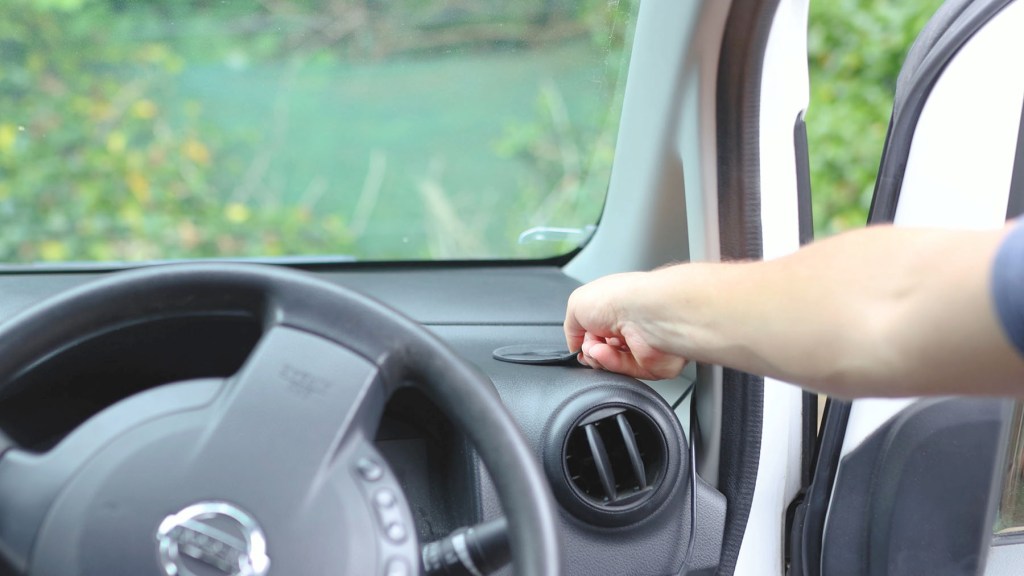
With it stuck down and firmly pressed in place, I could then unpeel the protective plastic on the suction cup, find the right angle and stick it to the mounting plate. Pressing the lever down holds it in place.
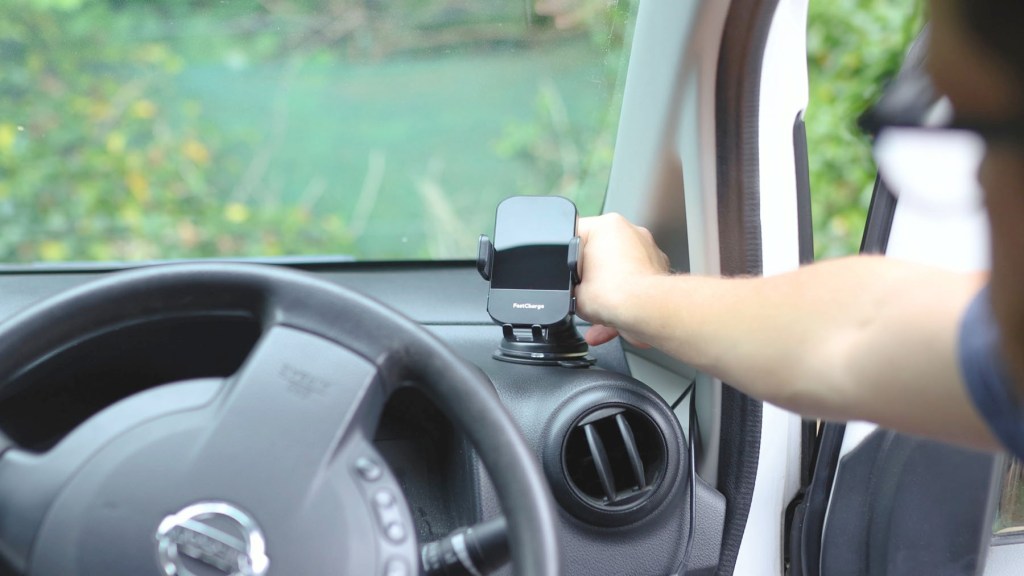
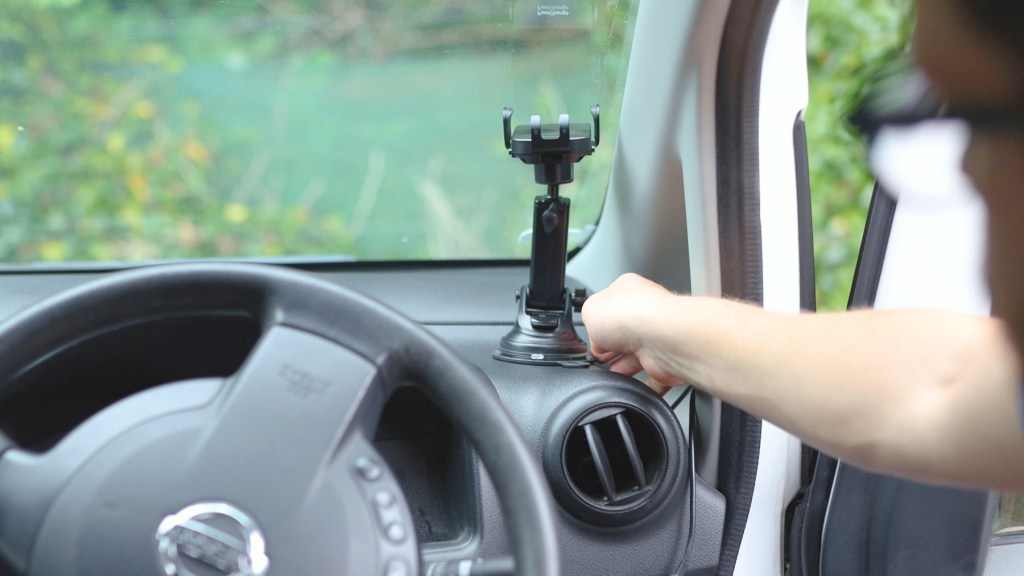
Whilst it is a suction cup, it relies on stickiness as much as suction for a super strong bond and, whilst not permanent, would take quite a bit of effort to remove.
With it in place, there next step is adding power to the phone holder and, whilst you could use the included USB cable, I know that my phone will be quite far away from the USB port so will require a longer cable and, because of its position, I don’t want a visible cable trailing across the dashboard behind the steering wheel.


Previously I routed a USB-C to USB-C cable from through the dashboard trim, down the door arch, along the footwell trim and then down to the 12v port and my USB adapter.
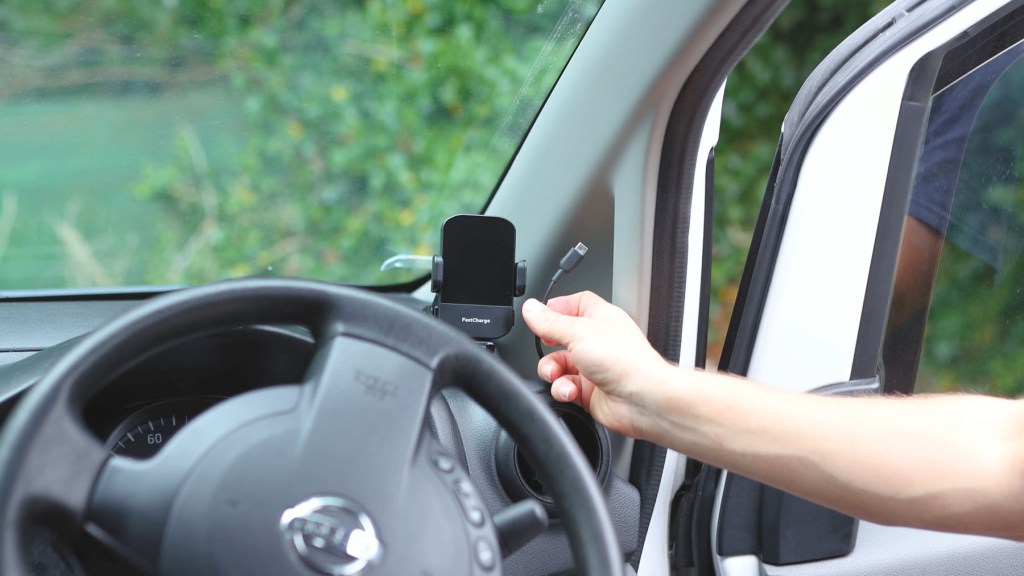
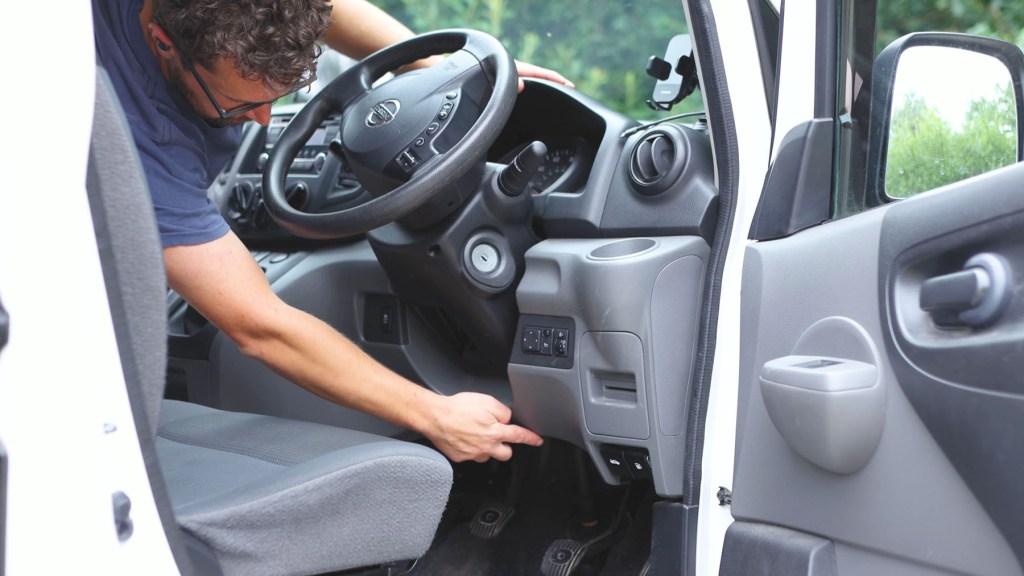
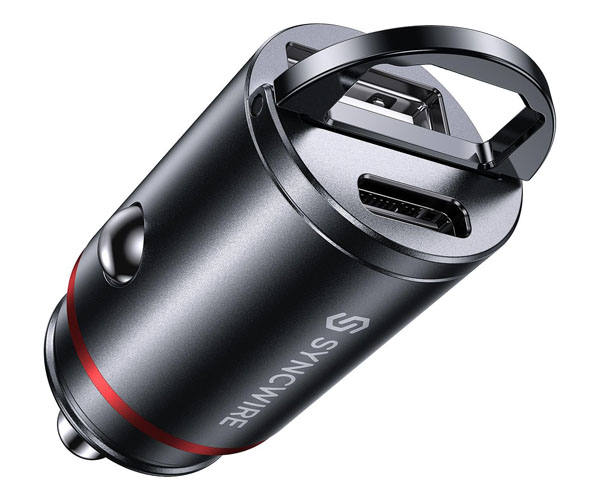
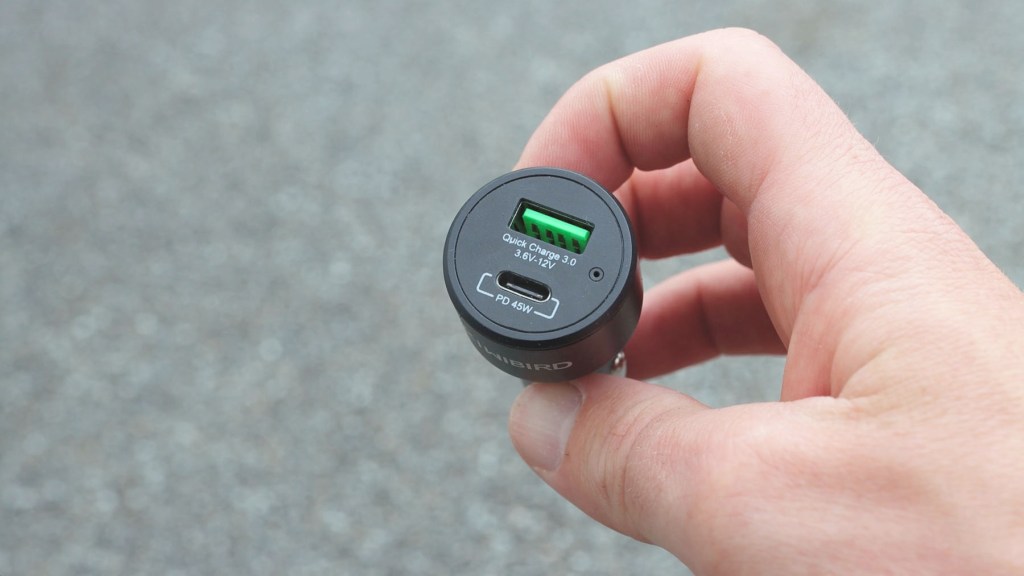
I bought one separately as you don’t get one with the phone holder – just make sure you get a QC 3.0 rated one, which will provide enough juice to power the holder.
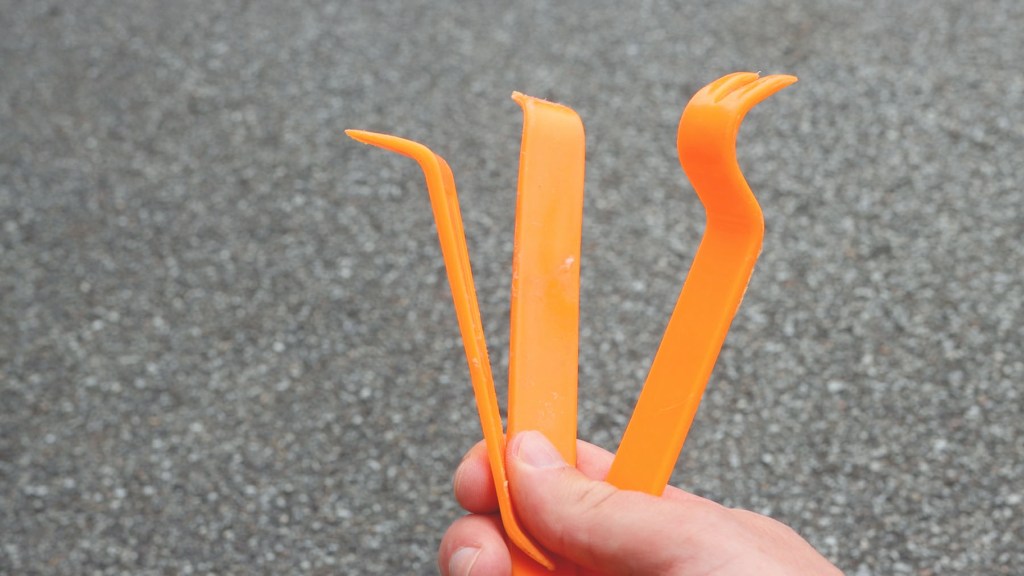
I used a set of handy trim removal tools which I’ll link below and these ensure you can pop off bits of trim without doing any damage. It’s well worth it in my opinion and keeps the dashboard free of wires.
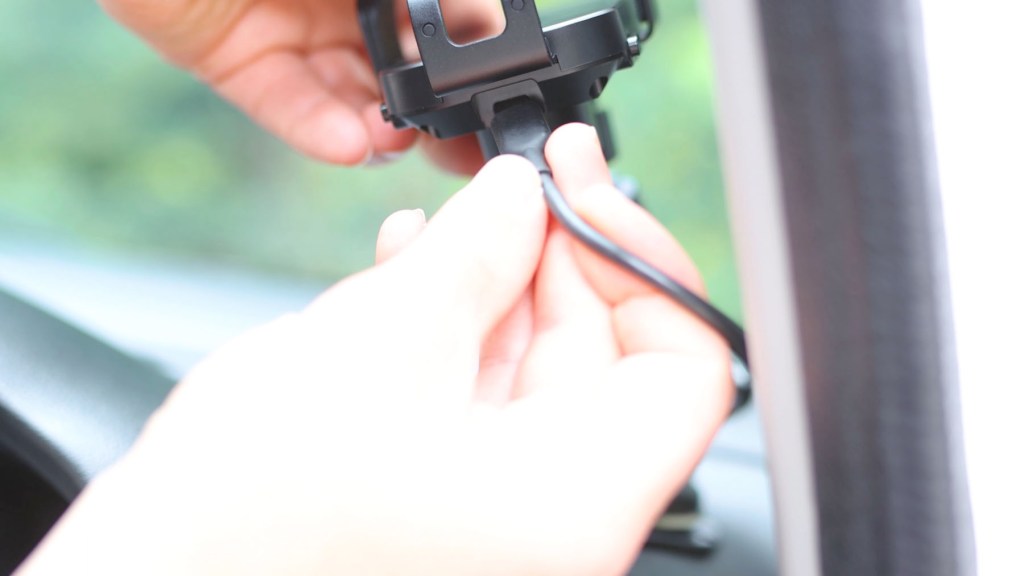
Tilting the cradle up towards me, I simply have to plug in the USB-C cable and then adjust the phone holder to a height where the cable isn’t being pinched.
And that’s it really – when the ignition is on, an faint red light will appear on the side. Put a phone in the cradle and the arms will automatically close around the device and start charging.
BUT…how do you know that you’re getting good charging speeds from the device?
We’re also on Instagram!
Check out yogi.the.van to keep up-to-date with all our adventures in the van!


Testing Pixel Wireless Charging Speeds
Charging speeds were a major concern of mine when looking for a wireless phone charger, so with the CHGeek one set up, I decided to do a little test to see what speeds I was getting.
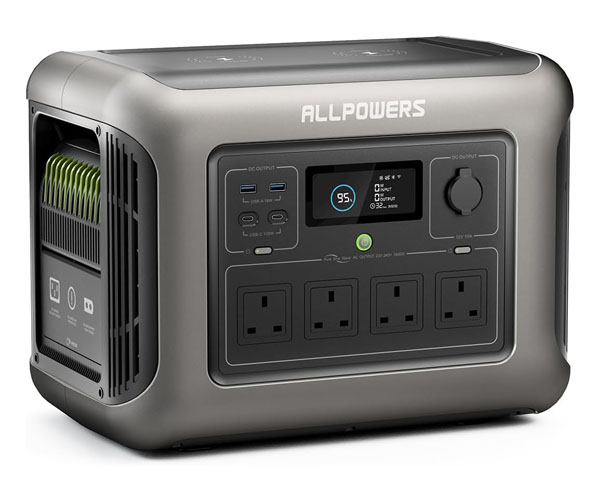
Thanks to my trusty 1800w AllPowers battery power pack which has a screen showing power usage, I was able to plug the phone holder in and although it started a 7w charging, after a few seconds it increased to 13w and stayed there permanently, which I’m pretty happy with.

For reference, the Google Pixel 8 Pro can charge at a maximum wired speed of 30w, up to 23w wireless charging with a desk-top Google stand and up to 12w with other third party phone wireless chargers. I can’t vouch for the accuracy of the battery pack, but it looks like we hit the upper end of the relevant charging capabilities which is great.
I assume you’d be able to get the full 15w on other phones, but I don’t have any different devices to test.
If you’re wondering what other phones are compatible with this phone charger then I’ve compiled a list from the manufacturer of models and available speeds which here:
| 15w wireless charging: | 10w wireless charging: | 7.5w wireless charging: |
| LG: G8, G7, V30, V35, V40, V50, G2, G2, G3, G6, Lucid2(VS8770), Optimus F5(AS870), Vu 3, Spectrum 2, Optimus G Pro, Optimus Vu II, Optimus LTE 2 Google: NEXUS 4/5/6, Pixel 8 series, Pixel 7 series, Pixel 6 series | Samsung: S24 Ultra, S24+, S24, S23 Ultra, S22 Ultra, S22+, S22, S21 Ultra 5G, S21+, S21, S21 FE, S20, S10, S9, S9+, S8, S8+, S7, S7 Edge, S6 Edge Plus, Note 10 & 10+, Note 9, Note 8, Note 7, Note 5, Note FE, W2017(SM-W2017), Kelly(SM-W2018), Galaxy S Lite (SM-G8750) and more | Apple: iPhone 15, iPhone 15 Pro, iPhone 15 Pro Max, iPhone 14, iPhone 14 Pro, iPhone 14 Pro Max, iPhone 14 Plus, iPhone 13, iPhone 13 Pro, iPhone 13 Pro Max , iPhone 13 Mini, iPhone 12, iPhone 12 Pro, iPhone 12 Pro Max, iPhone 12 Mini, iPhone 11, iPhone 11 Pro, iPhone 11 Pro Max, iPhoneXS, iPhone XS MAX, iPhone X, iPhone XR, iPhone8, iPhone 8 Plus |
As a comparison, the AllPowers portable battery pack has wireless charging on the top, which gives 12w of charging to the 8 Pro, out of a maximum of 15w, whilst a stand-alone Anker wireless charger peaked at just 5w out of a maximum of 10w.
At 78% charge, the phone says it would take 40 minutes to charge to full wirelessly from the holder, though if I plug the cable straight into the phone, it would take just 36 minutes.


I don’t think that the Pixel 8 Pro charges at maximum speeds when it’s nearly full, as tested on the battery pack here, but these are some pretty competitive charging times from the phone holder.
Do bear in mind however that all phones charge at different speeds and some use adaptive charging methods too so it’ll be different for everyone. Also, the thickness of your case will affect how effective the charing is. My case is from Caseology and is probably 1-2 millimetres thick on the back. The CHGeek car charger recommends cases are less than 4 millimetres thick and that the phone must sit flat against the phone holder to achieve stable charging.


Click to buy your own…
(Affiliate links which help support this blog)
Should you buy this CHGeek 15w wireless car charger for your Pixel phone?
I was after a phone charger which met a number of criteria. Namely fast-ish charging for my Google Pixel 8 Pro, one which took a USB-C cable because of my existing charging cable, auto-closing arms and a solid reliable mount on my dashboard.
I’m pleased to say I’ve found all these things in this CHGeek car phone charger!
Whilst it’s not up to the maximum 30w of wired charging, it doesn’t look like it ever could be for a charging phone holder. It has good, consistent charging speeds and it’s nice not to have to plug the cable into my phone any more.

I’ve bought desk-top wireless charging stands in the past with which the built-in charging coils just don’t line up with the phone’s and so barely charge the device, or you have to have the phone at a funny angle to achieve charging. That’s not the case here thankfully, as this charger lines up perfectly every time and makes the charging connection whenever I put the phone in the cradle or turn the van on.
The bottom line is it’s a sleek, unobtrusive and practical phone holder which I think is a great addition to my dashboard.
Thanks for stopping by!
Click to buy your own…

(Affiliate links which help support this blog)
 The Tiny Camper Van