

This article is a written account of a video from the Lens Of James YouTube channel. Watch the video above and subscribe if you like what you see!
This article contains affiliate links to relevant products I have used in my videos. By buying through these links, I receive a small percentage of the sale at no cost to you which helps me support and grow my website and YouTube channel, so I can create more content like this in the future. Thank you for your support.
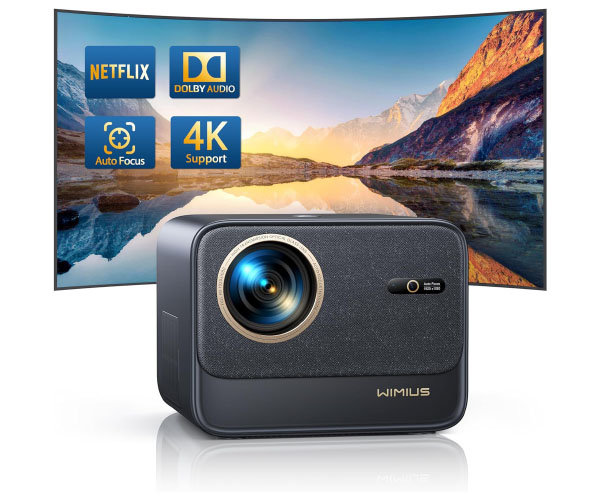
Introducing the Wimius Q3 Pocket Projector
The Wimius Q3 DLP projector has just released in July 2024 and looks to be an ideal powerful and portable pocket size mini projector for both home and travel use.

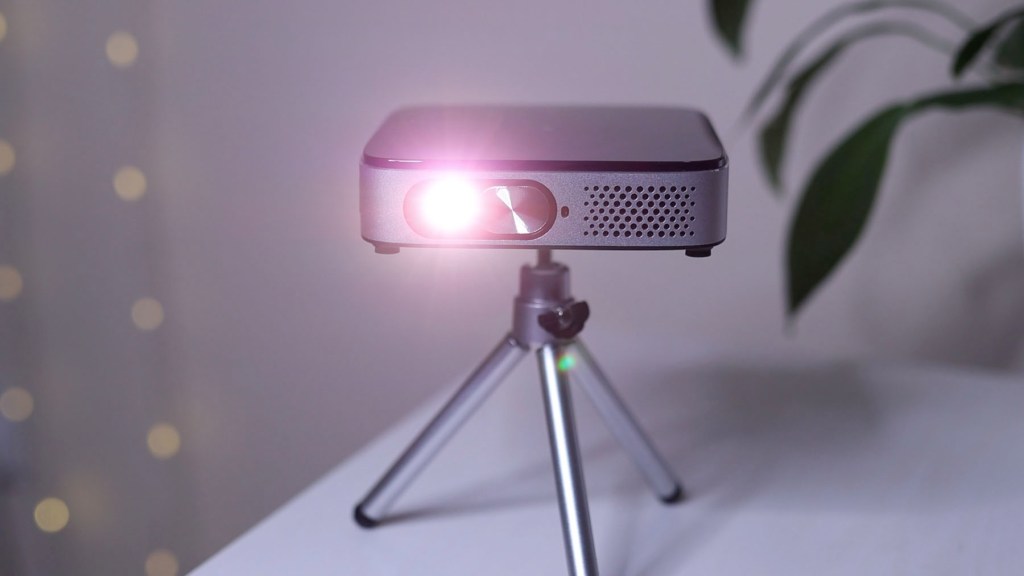
If you’ve been following my channel for a while, you’ll know that I converted my Nissan NV200 into a tiny camper van, and so this projector should be the perfect size for watching TV and films in a small place like this. Check out my channel for the van build.
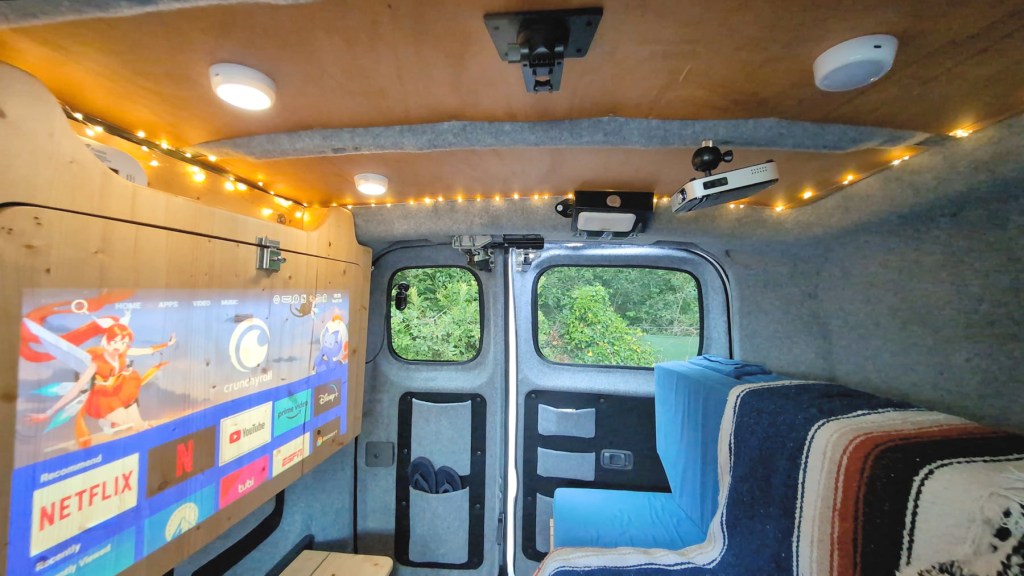
The Q3 is a 720p short-throw DLP projector, meaning you’ll get a bigger image at shorter distances away from the wall, so it’s great for small spaces such as tents, vans and houses.
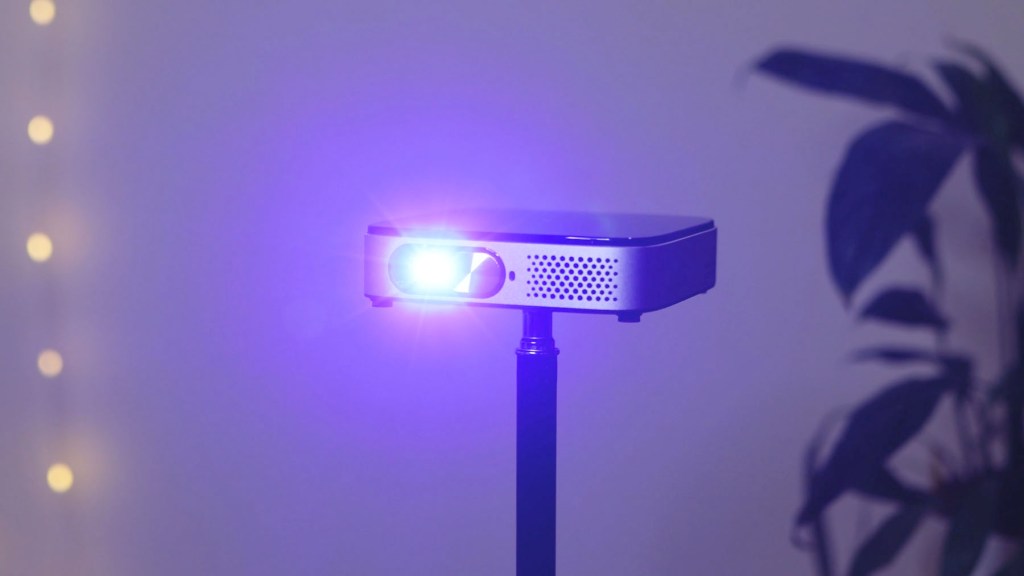
It has Android 11 built in so simply turn it on, connect to the internet and navigate using the touchscreen panel on the top of the projector, or using the remote control. You’ve got access to all the major apps as well as the ability to download doots more from the App Store.
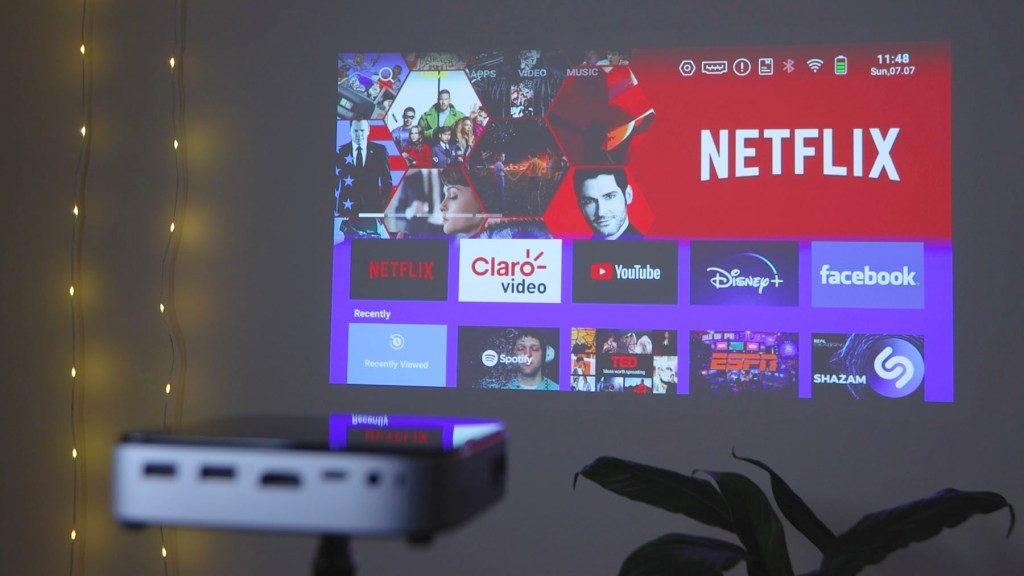
It’s also got a built-in battery so you can watch shows for hours without plugging into power.
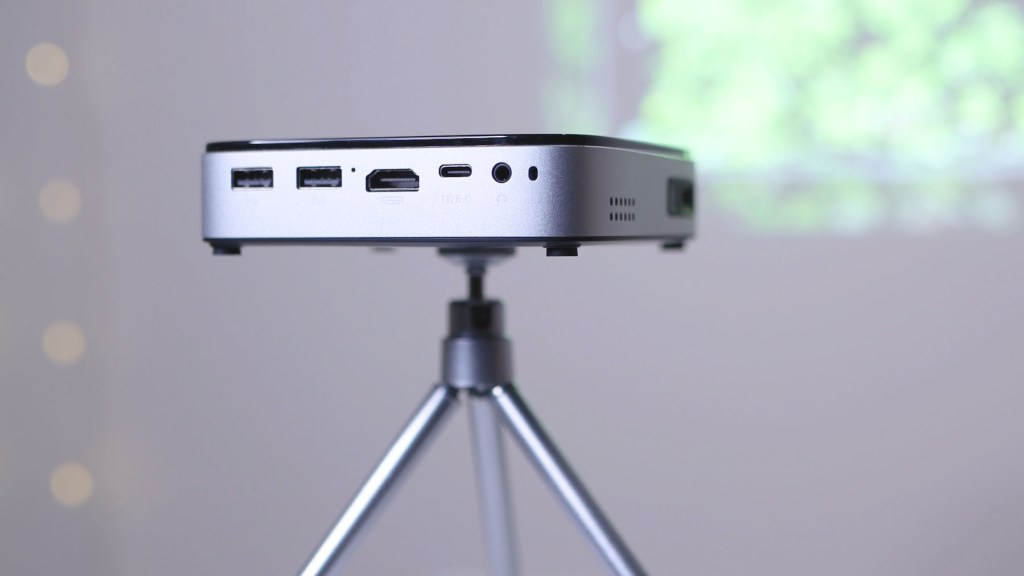
With all this packed in the Q3 retails for about £390, though there are decent discounts available from time to time, £100 off at the time of writing, so it’s definitely possible to get one cheaper than the RRP.
And just so you know, Wimius provided the projector so I could make this video though all the thoughts and opinions are of course my own, and I’ve got an affiliate link to it below if you like what you see.
Click to buy your own…


(Affiliate links which help support this blog)
Unboxing The Wimius Q3 Mini Projector
So let’s get unboxing the Wimius Q3 and I was immediately struck by how small it is.
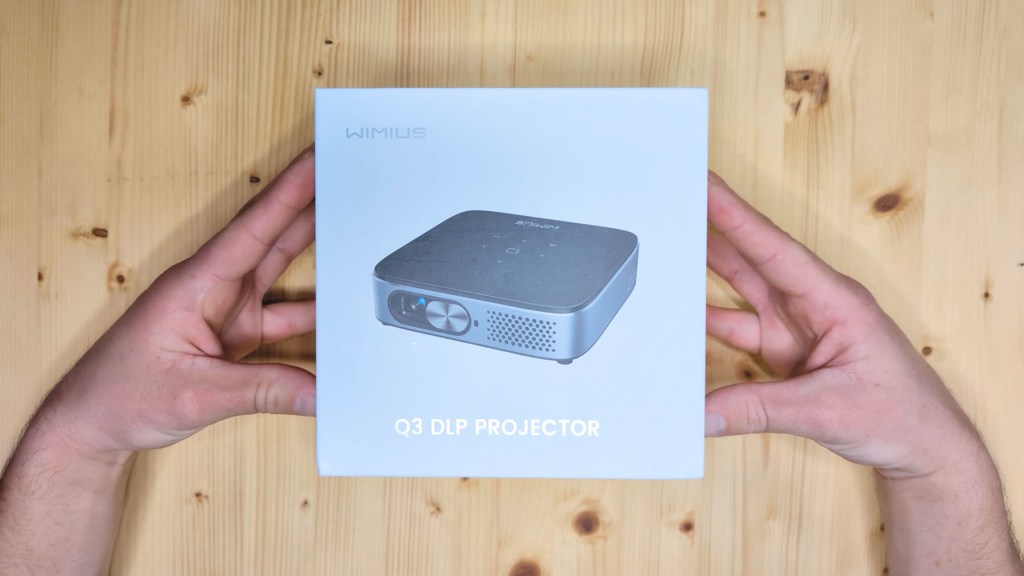
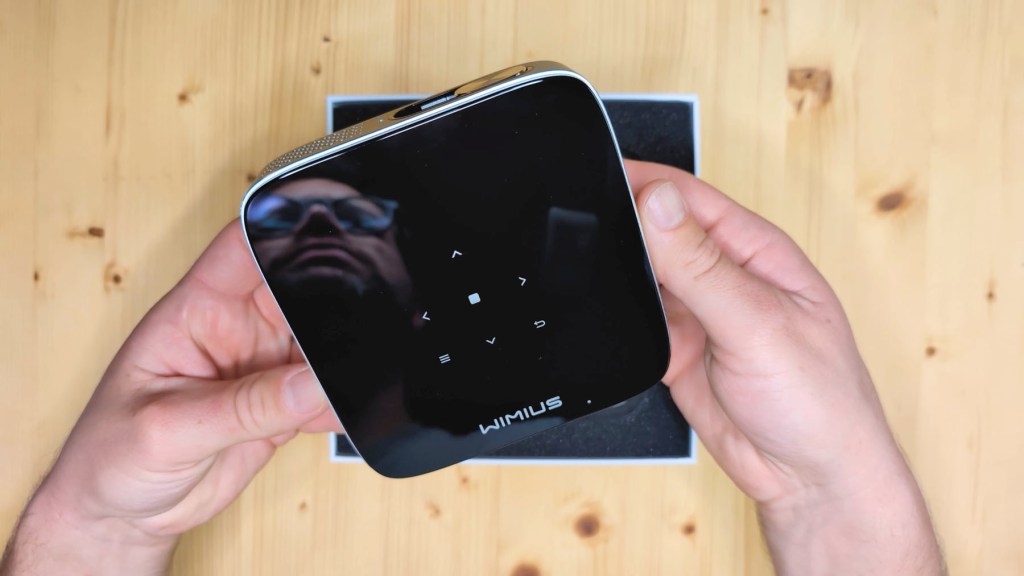
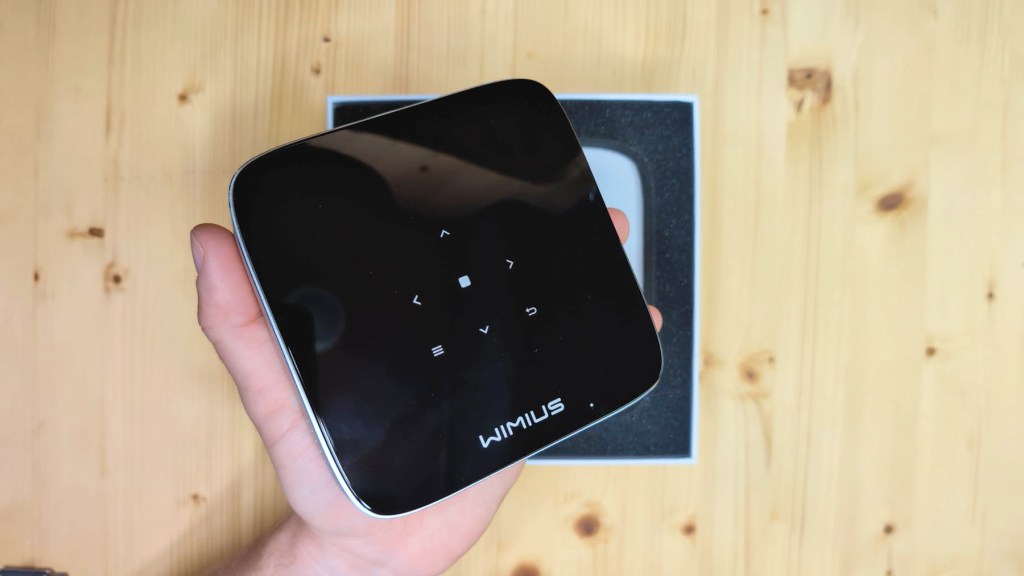
It’s sometimes difficult to get the scale of things in images, but this measures just 12x12cm and is 2.8cm deep, or just under 5x5in and just over an inch thick for my readers in the States. It fits really nicely in your hand and is light at only 400g. Just from the initial impression you can see it’s built with portability in mind, with a minimal gloss black and matte silver look to it too.
On the front you have the lens, hidden behind the sliding lens cover, as well as ventilation holes.
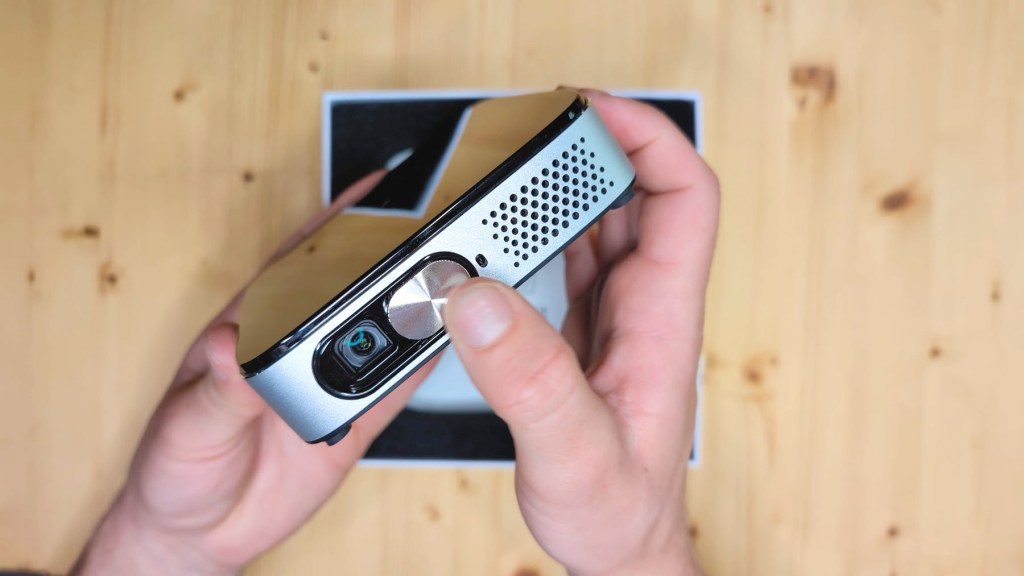
On the left side there are more ventilation holes, the on and off button and a focus dial as there’s no autofocus on this model.
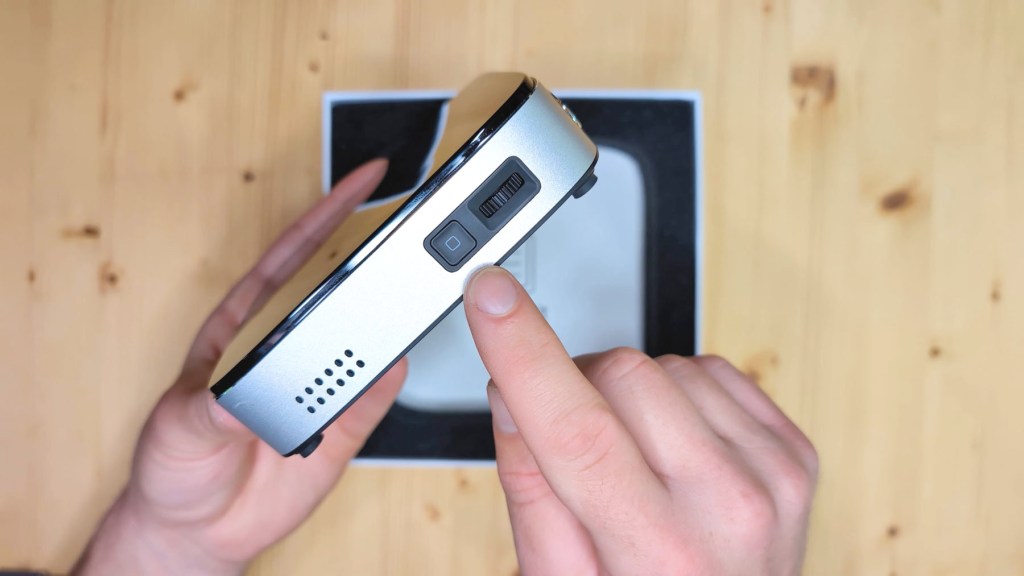
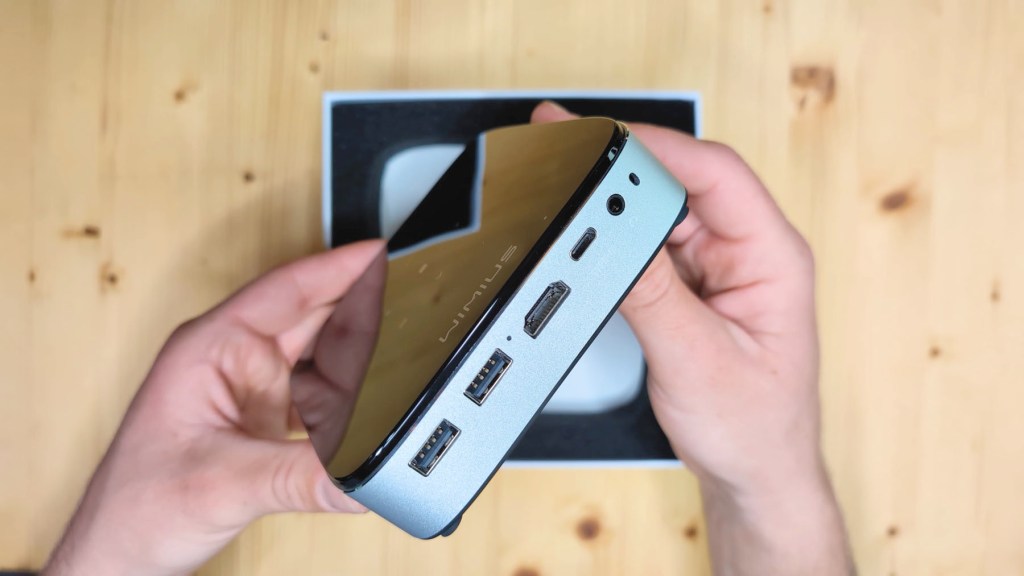
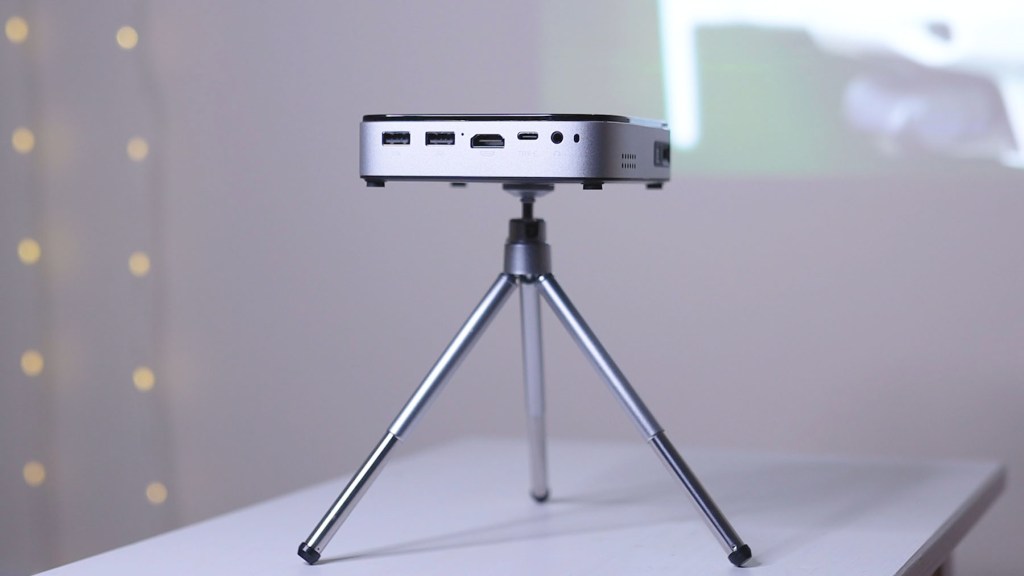
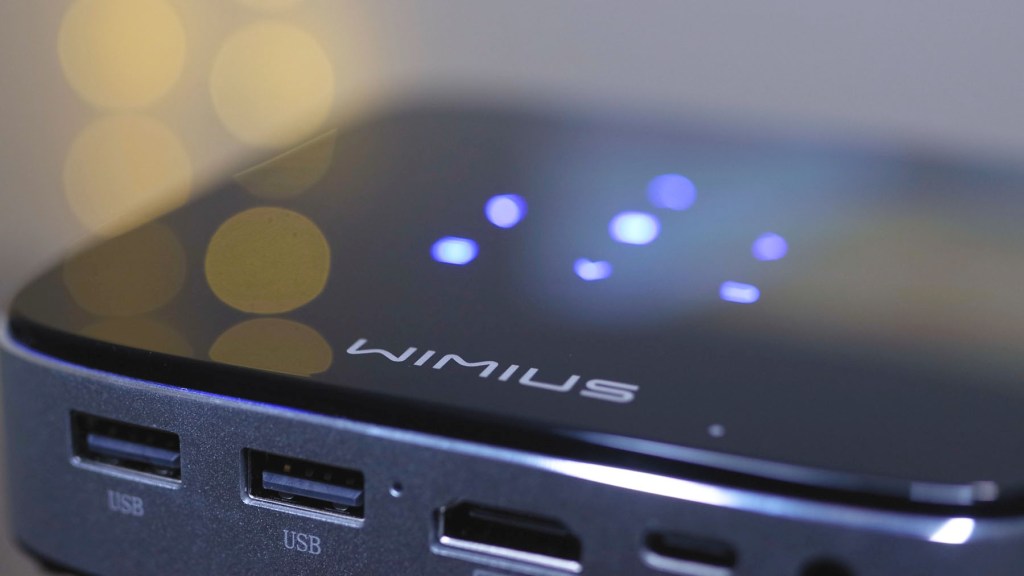
Round to the back, and there are two USB-A ports, a HDMI port, a USB-C port and a 3.5mm audio out port.
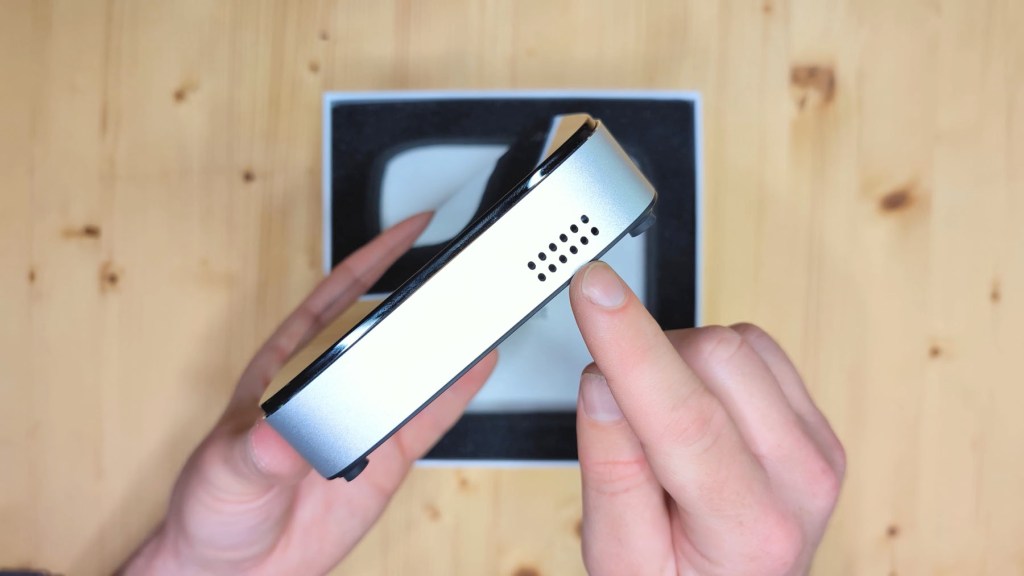
On the final side there are yet more ventilation holes.
On the top you have the touchscreen buttons to navigate around the Android interface when the projector’s on. You’ve got arrows for directional movement, the middle button is the okay or enter button, and then there’s a return button and a menu button too. These are illuminated blue when the projector’s on and you’re using them. When you’re not using them they won’t be illuminated.
Finally on the bottom of the Q3 you have a standard tripod mount.
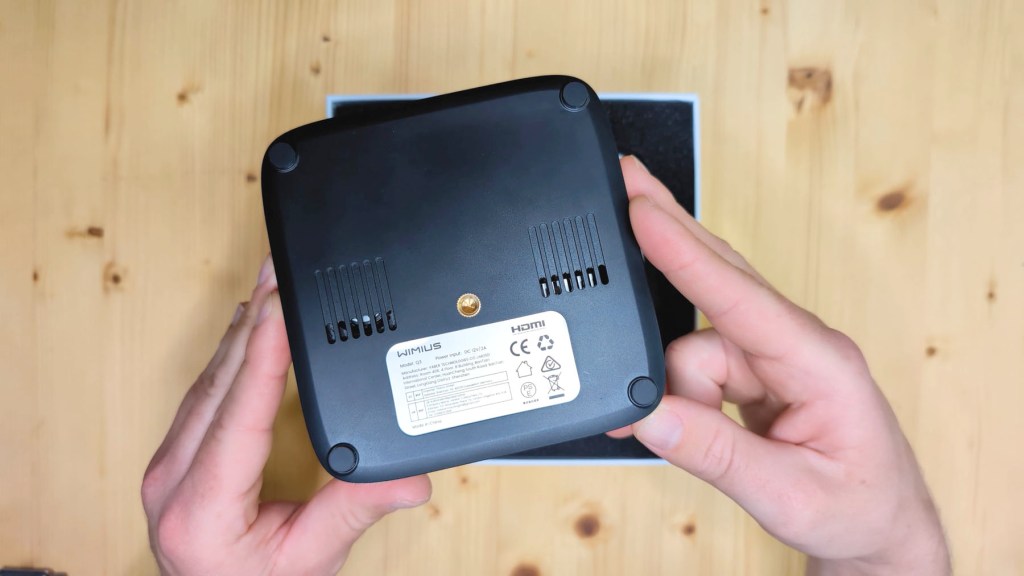
Below the projector in the box you have the brand kit consisting of a user manual, customer service card, a 3-year warranty activation card and an after sales card, and then below that a box of accessories.
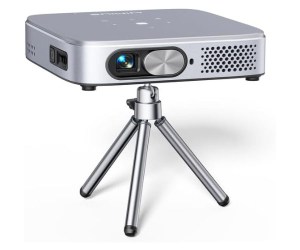
First you have the mini tripod. Although it’s small it’s a nice addition, it’s pretty sturdy for what it is and has extendable legs.
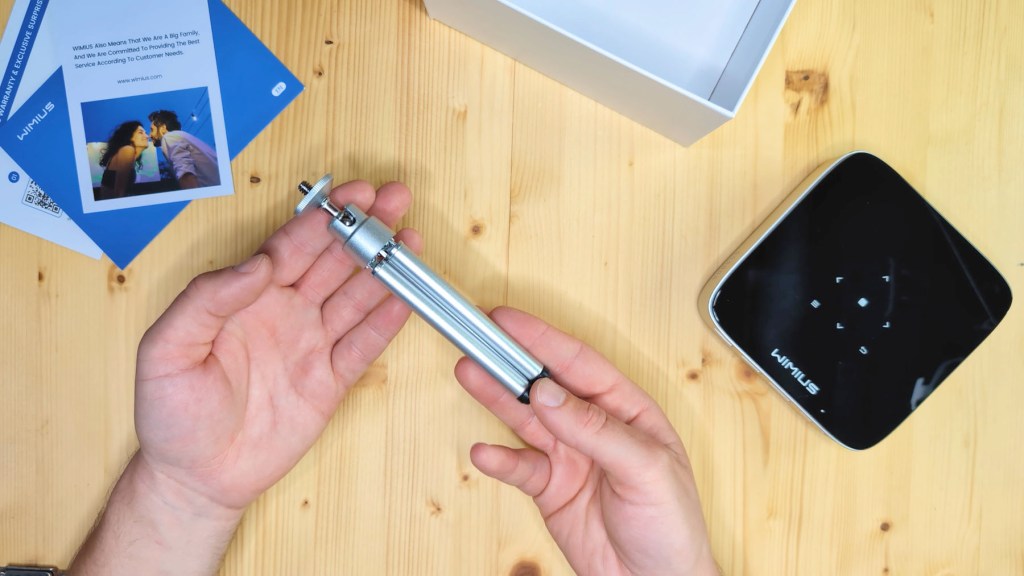
Next is the remote control, which doesn’t come with batteries and requires two AAAs.
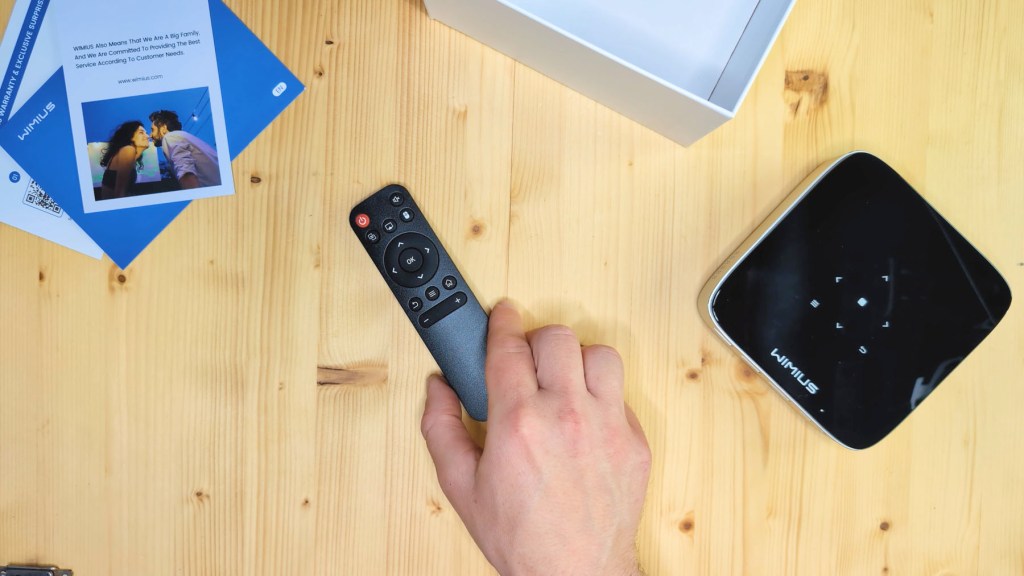
On the top row are the on/off and mute buttons, below that an Eshare button for sharing your phone screen to the projector, an AirPlay button for connecting to an iPhone, and a button to switch to mouse control so a cursor moves around the screen.In the middle are the directions and the ok button, with the return menu and home button below that, followed by the volume controls.
Also in the box you have a mains to USB-C cable for powering the projector and recharging the battery, and finally a HDMI to HDMI cable.
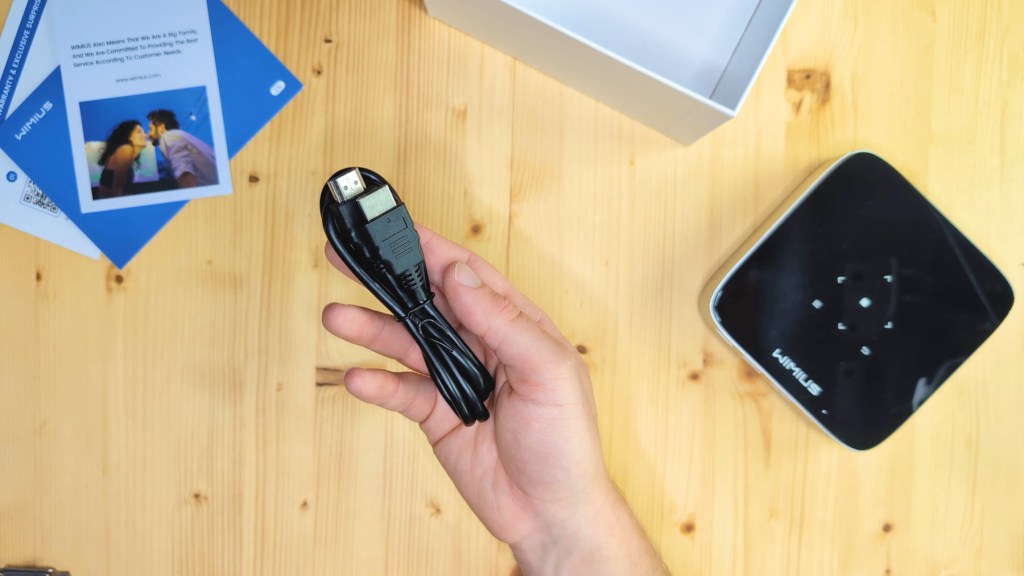

We’re also on Instagram!
Check out yogi.the.van to keep up-to-date with all our adventures in the van!


Wimius Q3 Projector Set-Up & Features
So let’s get the Wimius Q3 setup and have a look at the image quality.
With it on a flat surface or mounted on a tripod, press and hold the power button to turn the projector on. The colourful Wimius screen appears and you’ll see just how clear the projector is.
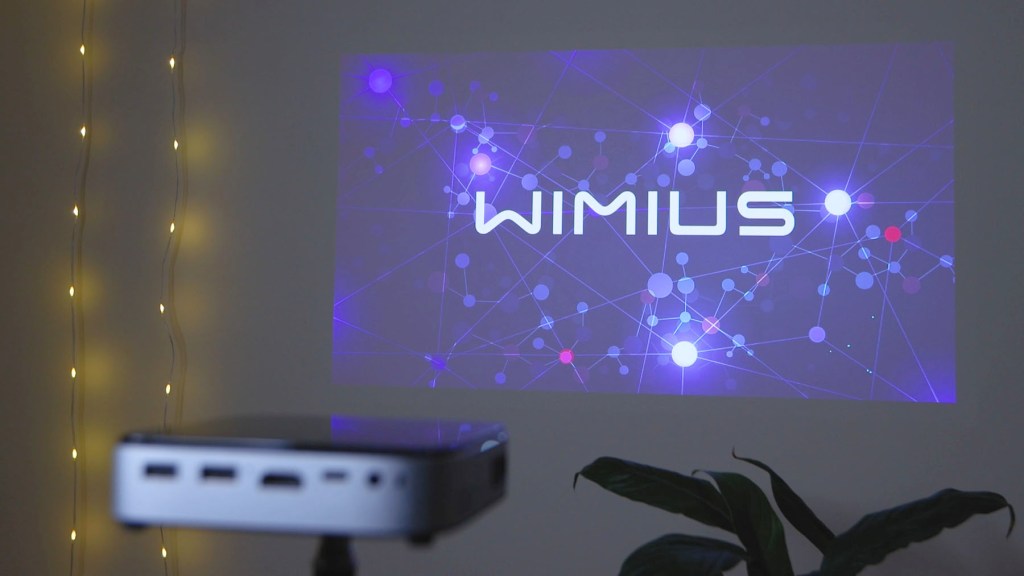
It may be difficult to tell via these photos, but the colour really is spot on and the 450 ANSI lumens bulb is perfectly bright enough for a dark room.
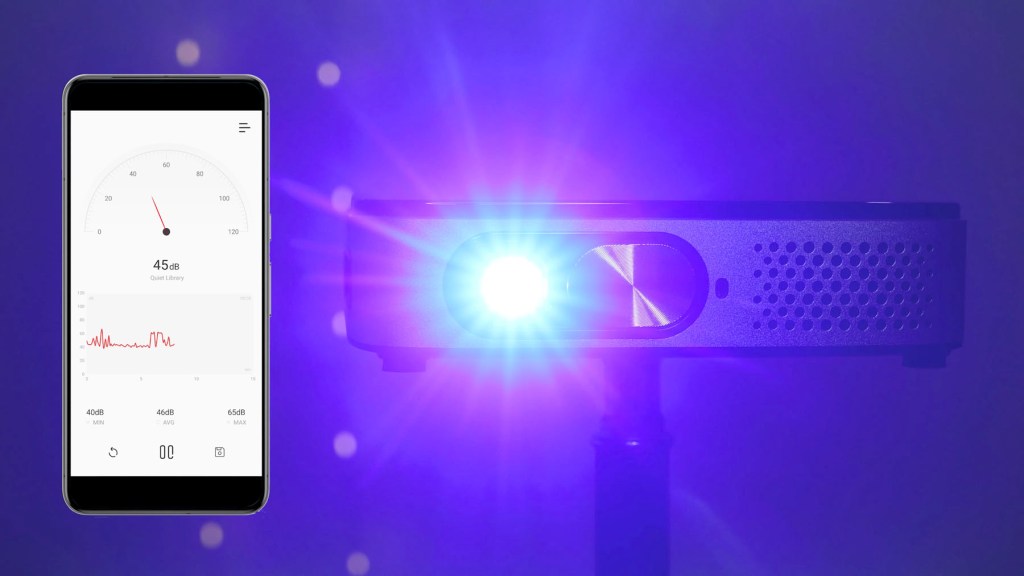
You’ll hear the fans whir to life, but they really aren’t very loud at all. From my testing they tend to hover around the 40 decibel range which is pretty good. You can hear them but they soon be drowned out by whatever you’re watching.
At this point you can focus the lens manually using the dial on the side. Whilst autofocus is nice to have, it’s easy to get sharp manual focus with a dial on the Q3 and you have a good range to choose from depending on how close you are to the wall or screen.
Set your language using the remote control, then connect to your chosen Wi-Fi, and just like that the main interface will load and you can log into any apps you want to use.
Please bear in mind that I’m projecting onto a magnolia-painted wall and not a white background or screen, so the results should be even better.
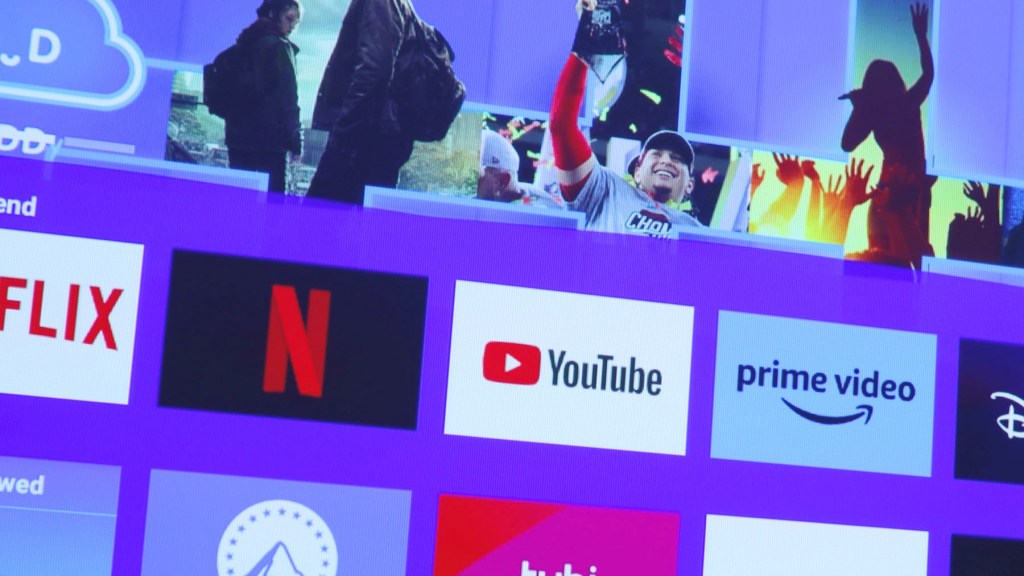
It’s a great inviting colorful layout and you really have got so many apps to choose from and not just the main names like Netflix, YouTube, Prime and Disney+. Along the top you have tabs for easy access to apps video and music and the projector interface switches between pages cleanly and quickly.
It’s really easy to navigate with the remote control and the Q3 is really responsive to the button presses.
Pressing the mouse control button on the remote control, a cursor appears on the screen and can be moved around with the arrows on the remote, or using the top of the projector.
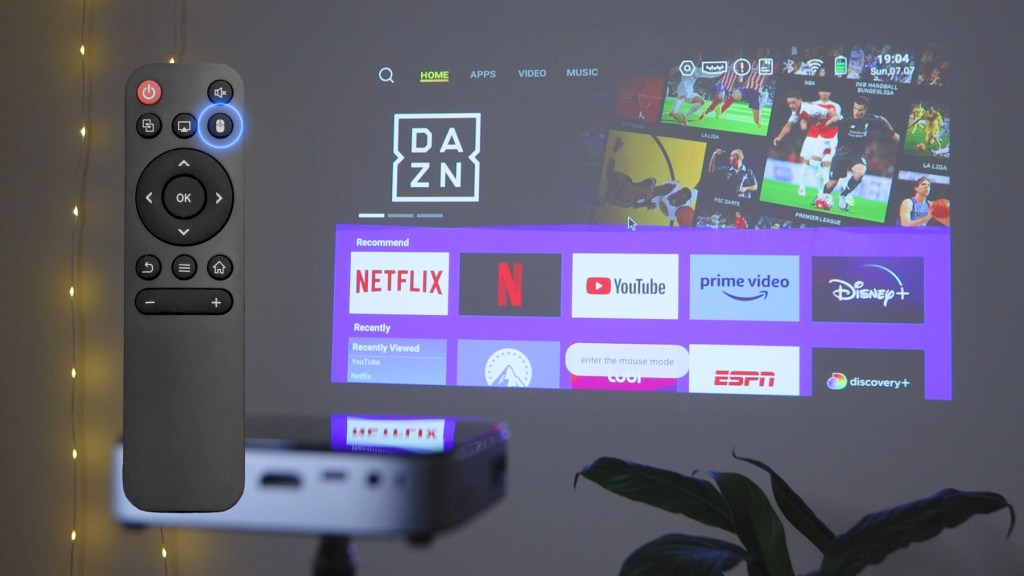
It’s definitely a slower way to nav around the apps, but it’s a good versatile feature to have and, given the fact you can download lots of apps onto the device, may well come in handy for some situations.
The image quality is great at 1280x 720 resolution, with support for 1080 full HD content. I originally thought I wanted a 4K projector for the best quality but the reality is that the resolution of the Q3 is more than enough for me and I’ve been really surprised by just how good it is.
The lens is hermetically sealed to greatly reduce the chance of dust impacting the projected image and the built-in lens cover stops dust from the outside.
As you’d expect the further the device is away from the wall the more you can see the pixels, but if you’re sat at a reasonable distance away then it still looks really good. Being a short throw projector, Wimius recommends that the best distance is 2.5 to 3m away from a wall.
There are two built-in speakers which, according to Wimius, are 12w each. They put out a reasonable sound but aren’t too powerful, but that’s okay because you can connect toyour favorite speaker or headphones via an AUX cable or bluetooth, which I’ll come on to in a bit.
Having a built-in battery is a great addition. Its capacity is 8,000mAh and, when I tested it, it lasted about 2.5 to 3 hours when in constant use and took around 2 hours 15 to charge back up to full. It’s definitely got enough juice for a whole film, or an evening binge watching, and having the battery keeps the cables to a minimum and gives you a bit more freedom to put the projector where you need it, though you can of course use the projector with it plugged into the mains.
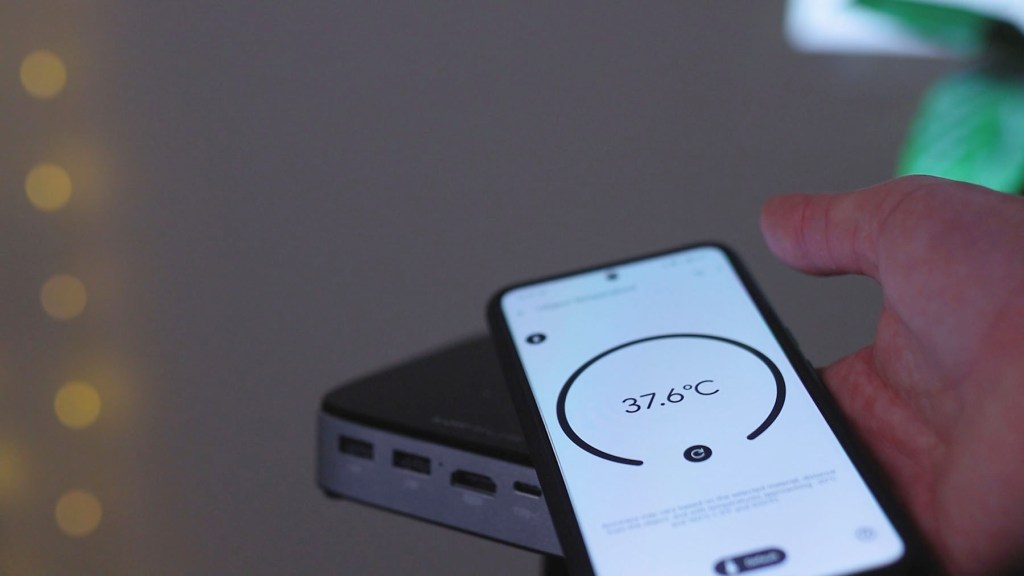
Projectors are notorious for getting hot, but thanks to the wonders of LEDs and the Q3‘s fan setup I only registered a temperature of around 37° on the top of it which was the hottest part I could find, and the projector had been on for a good few hours at this point.
As I mentioned earlier the mini tripod is a great addition and provides a sturdy easy to move base to elevate the projector. It tightens really firmly so the rejector won’t tilt halfway through a movie.
Click to buy your own…

(Affiliate links which help support this blog)
Settings on the Wimius Q3 Travel projector
There are plenty of settings to play with to get the perfect setup on the Wimius Q3. Move along to the yellow nut symbol on the top toolbar, or hit the settings buttons on the remote control, and the list appears on the left hand side.
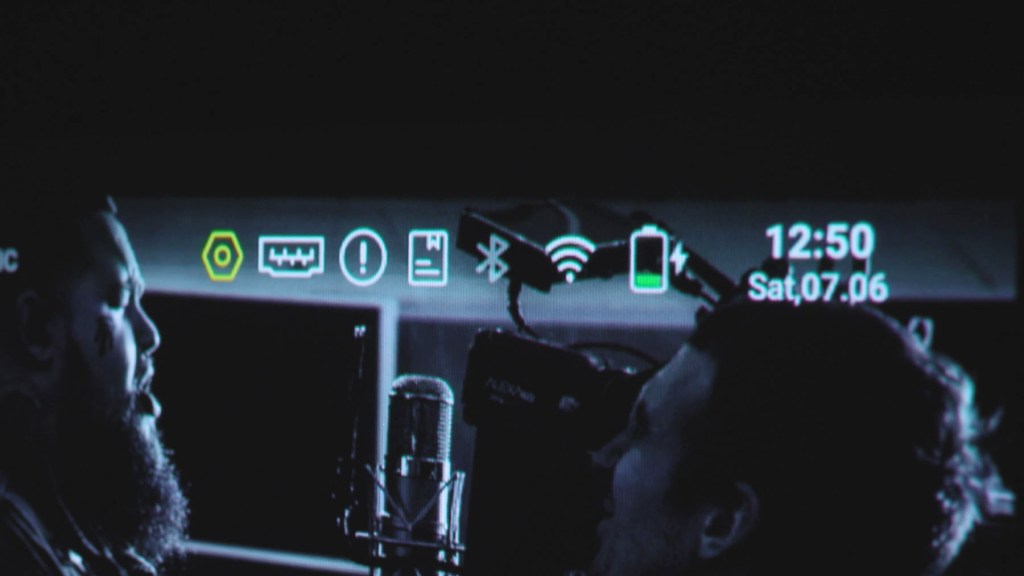
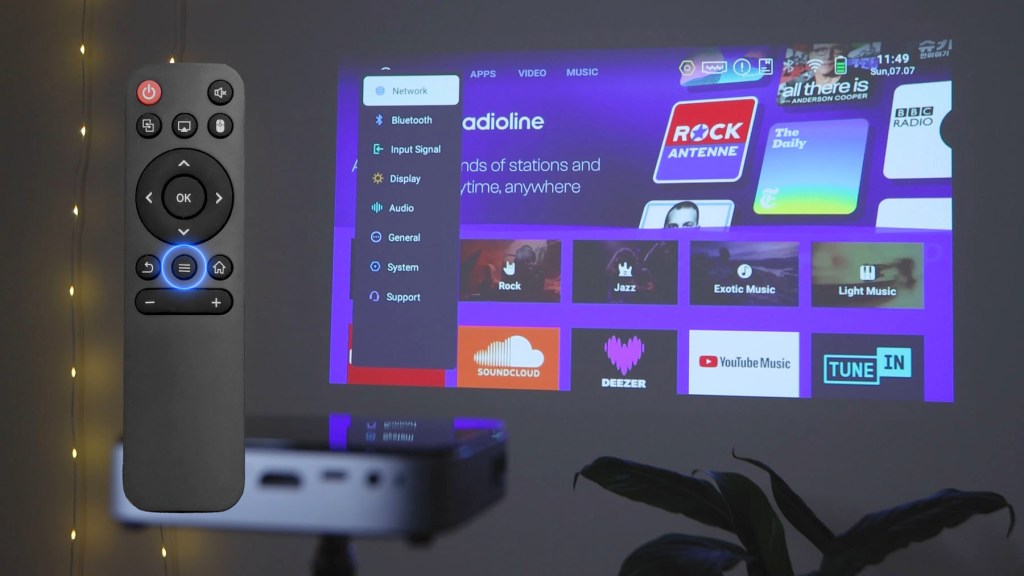
First is Network and here you can check the status of your Wi-Fi and change it.
Then there’s Bluetooth, which allows you to turn it on and off and search, and connect to bluetooth devices such as speakers or headphones. When I tested it there was absolutely no lag between the projector and the bluetooth sound.
Next is Input Signal and here you can select HDMI if you’re wired into the projector, such as if you’re using a laptop or a games console.
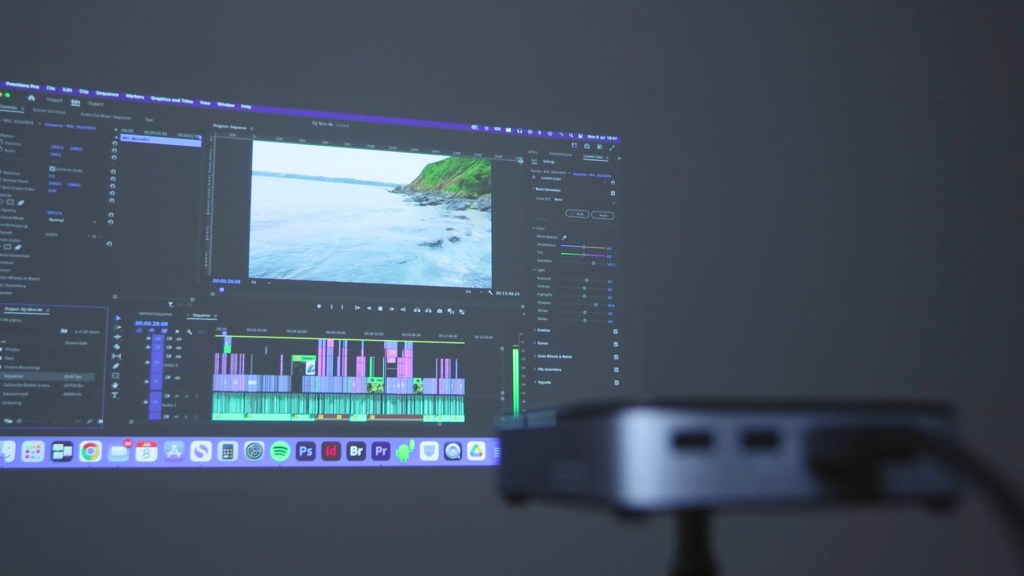
Under Display you can adjust brightness and colour, with a few picture modes and manual adjustments to choose from.
You can also deselect High Bright, which dims the image, a little, you can disable Auto Keystone Correction, which is the projector’s ability to straighten the edges automatically based on what angle the projector is pointed. The Q3 auto-adjusts the angle to ±40 degrees vertically. With this toggled off you can adjust the keystones manually using the remote control, where you can drag the corners to suit your situation.
Initial Angle Correction squares up your image, while Screen Scaling gives you different aspect ratios and the ability to zoom out to make the display smaller.
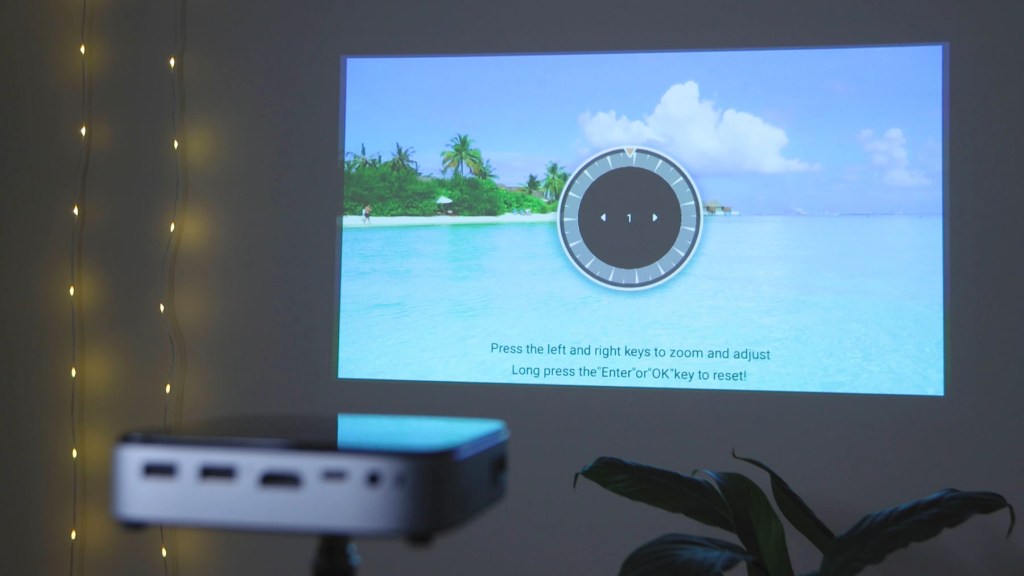
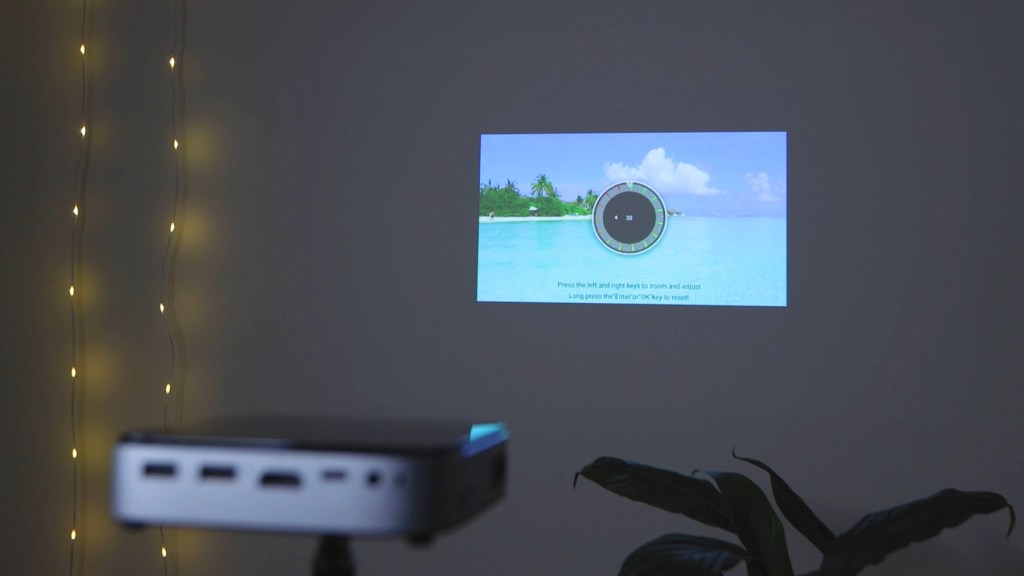
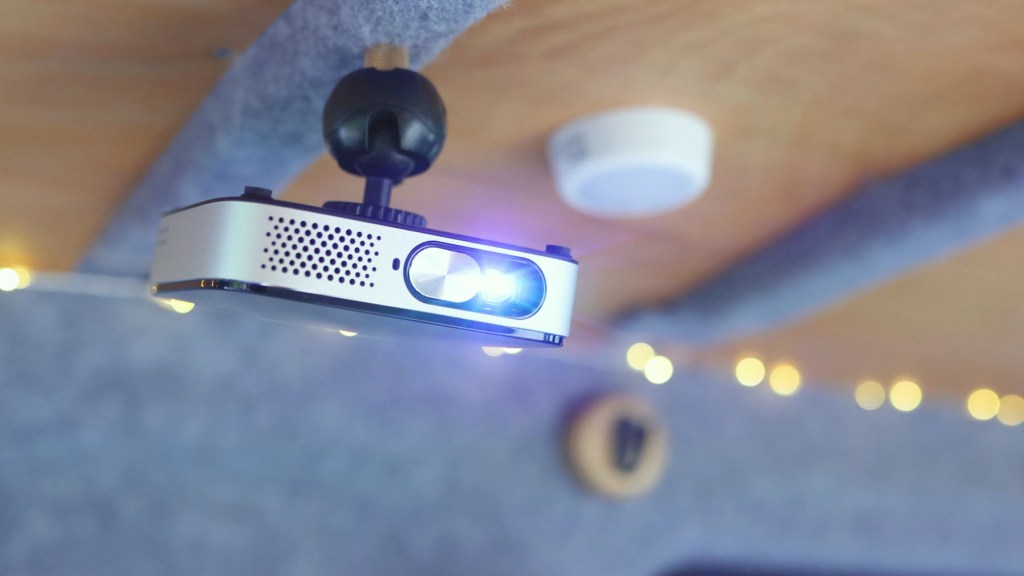
Finally Projection Mode allows you to flip the image on the horizontal and vertical axis, if you were hanging the projector from the ceiling or projecting onto the back of a screen instead of the front.
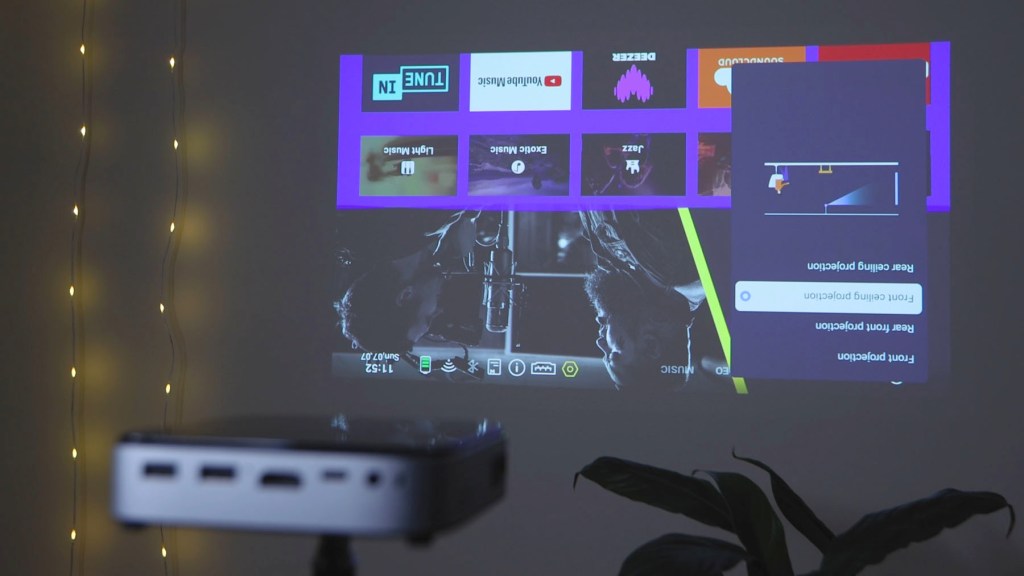
Under Audio you can change the sound mode and add sound effects, whilst under General you can change things like the device name, view everything installed on the device, and adjust the pointer speed.
Under System you have your system information and, by going into system info, you can see the projector has 1 GB of memory and 32 GB of storage. You can also change your language and time zone in the system menu, as well as check for updates and do a factory reset.
Finally under support you have details of how to get in touch with Wimius if you have any issues with the projector.
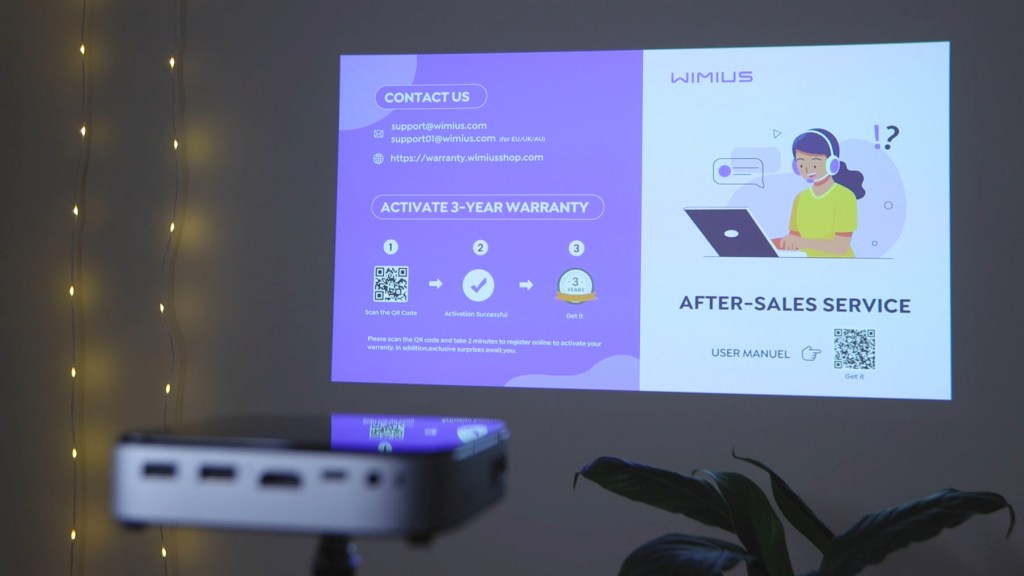
How to Screencast on the Wimius Q3 Battery projector
There are a number of screencasting options and the easiest way I found to work these is using the remote.
The Eshare button found below the power button brings up five options for sharing your screen.
The first is Android Wireless and requires downloading the Eshare app. Androids are notoriously bad for native screencasting, as I found from some of the the previous products I’ve reviewed, so you need to rely on third party apps. The Eshare app is free and works well to get your phone on the big screen.

The next option is Miracast, a well-known app in the screen sharing World though this requires a paid subscription.
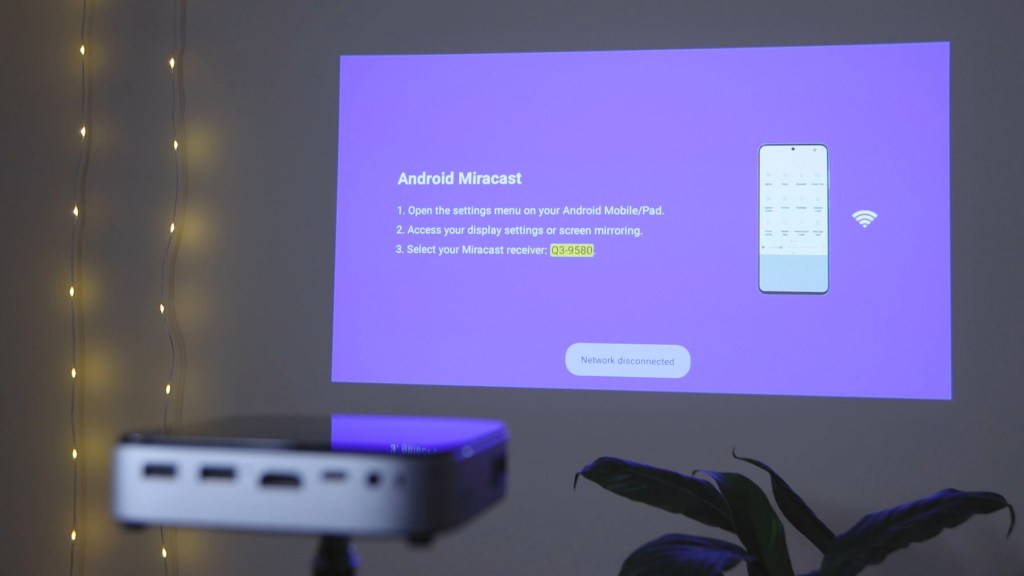
AirPlay is the third option available, and this will work for Apple users. There’s also the dedicated AirPlay button on the remote control too, so you don’t have to go through this page.
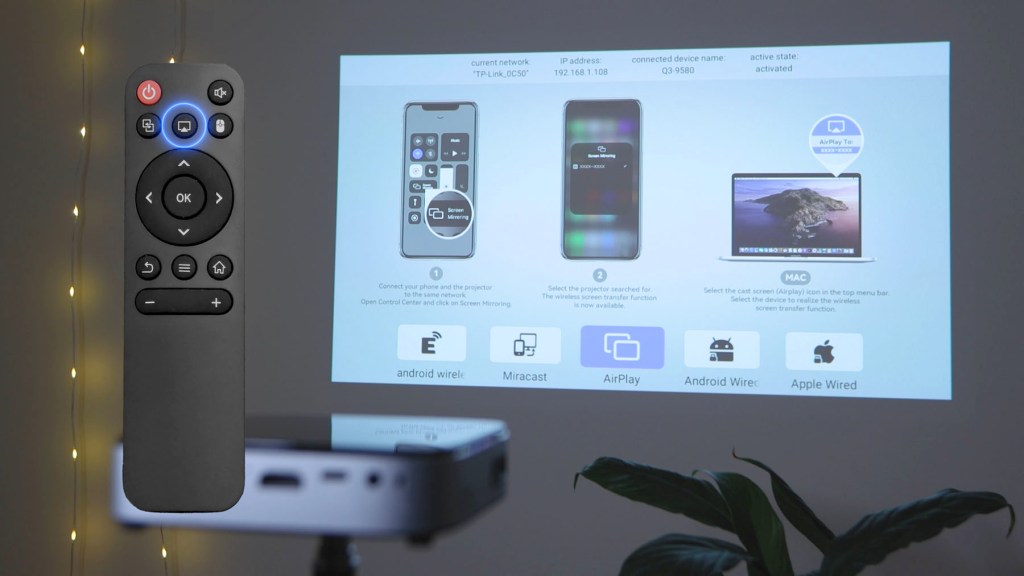
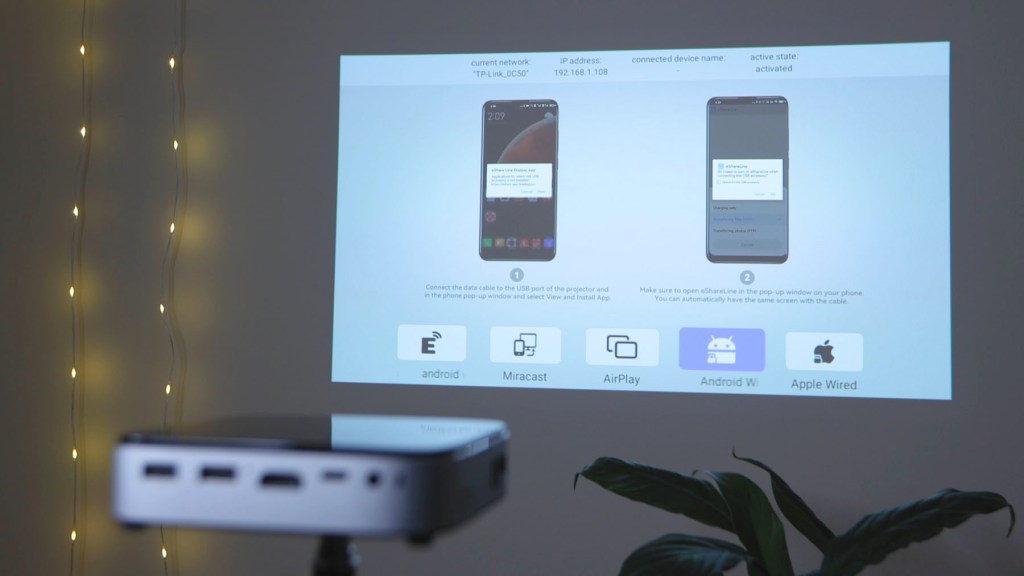
Fourthly Android Wired is also an option, though you need to sideload the Eshareline app and, when I tried to do it, it said it was built on an old version of Android and didn’t recommend and installing it.
Finally there’s an Apple Wired option which just requires plugging in the cable and giving permission to cast.
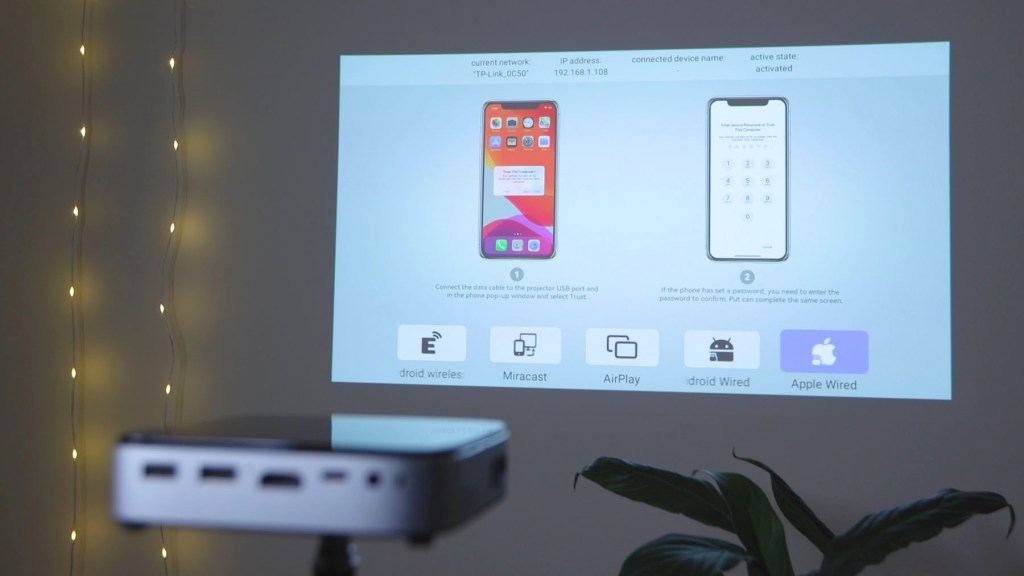
What’s apparent here is that it’s much easier to screen share your phone from an Apple device, though it’s certainly possible via Android. I should mention that this is an issue with the Android system and nothing to do with the Q3 projector. Wimius have just tried to provide the best options they can.
Finally when you come to shut down the projector, you can either hold the power button on the Q3 down for a couple of seconds or hit the power button on the remote.
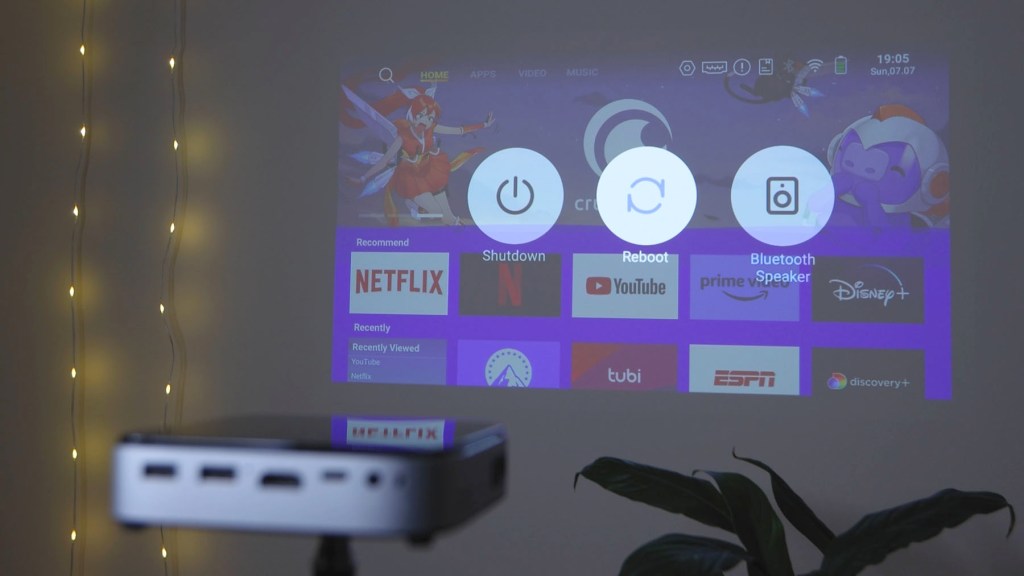
This brings up three options on the screen; shutdown, reboot or a shortcut for getting to bluetooth settings which is handy.
Click to buy your own…
(Affiliate links which help support this blog)
Final thoughts – is this mini projector right for you?
Overall I’ve been really impressed with the Wimius Q3 and have found it to be a very powerful projector.
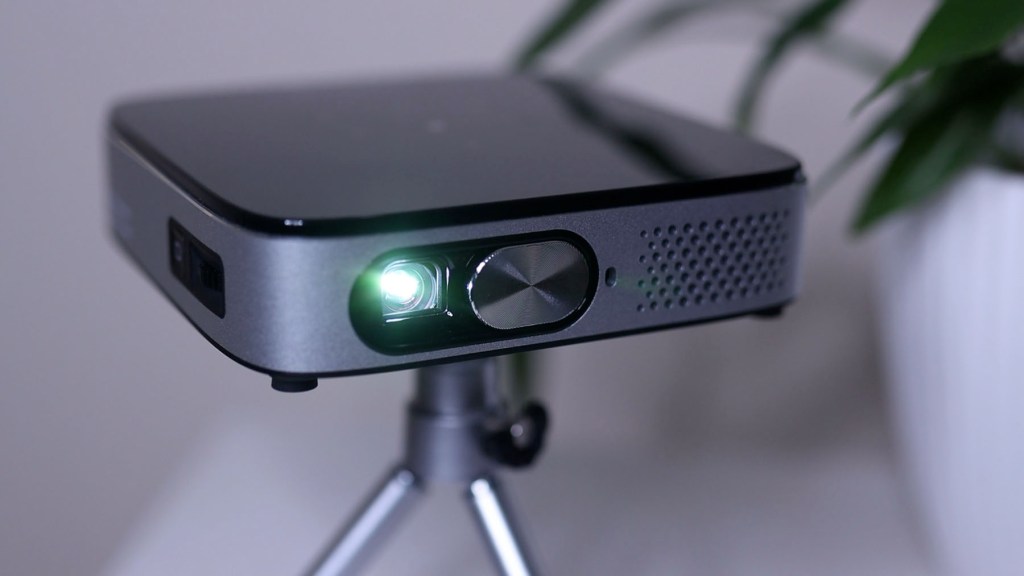
Its sleek, minimal design coupled with its pocket-size build makes it an ideal travel companion and one I’ll definitely be taking away on my camping trips going forward.
It would be nice to have autofocus, as lots of modern projectors do, but it’s no hardship to adjust the dial when you turn it on and it’s easy to get the focus pin sharp.
The colours are vibrant and the projection is bright and clear making it a pleasure to watch, whether you’re catching the game on the big screen at home or having a film night under the stars.
As you can see I’ve ended up with a pretty nice setup in the van, and may even have to think about putting a white screen on the front of the table unit so we can watch films while sat in there.
If you’d like to get one for yourself check out my affiliate links in the description below, where I’ve got the Wimius Q3 and others from the whest range which might float your boat.
If you’ve enjoyed this video or found it helpful and think I’ve earned it please drop me a like and subscribe to my channel.
Thanks for watching!
Click to buy your own…

(Affiliate links which help support this blog)
 The Tiny Camper Van