

This article is a written account of a video from the Lens Of James YouTube channel. Watch the video above and subscribe if you like what you see!
This article contains affiliate links to relevant products I have used in my videos. By buying through these links, I receive a small percentage of the sale at no cost to you which helps me support and grow my website and YouTube channel, so I can create more content like this in the future. Thank you for your support.
In this article…
- Introducing the Carpuride W904
- Unboxing the W904
- Features of the W904
- Screen and Display
- How to Install the Dashboard Console
- Hiding Wires
- W904 Screen Features and Apps
- Connecting Your Smartphone
- W904 Settings
- Installing a Rear View Camera
- 4K Dash Cam Video Quality
- Performance During Testing
- Cost and Value
- Should You Buy the Carpuride W904?
- Conclusion
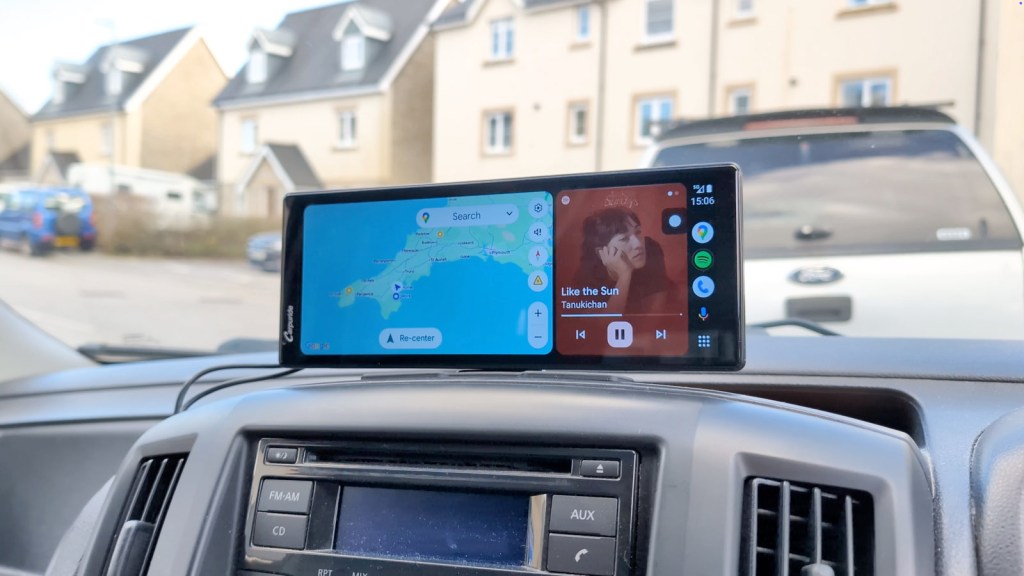
Welcome to the world of the Carpuride W904, a dashboard console that promises to bring the latest technology to your vehicle without the hassle of complicated installations. In this blog, we’ll delve into the features, installation process, and overall performance of this remarkable device.

Introducing the Carpuride W904
The Carpuride W904 is not just any dashboard console; it’s a revolutionary device that makes adding Apple CarPlay or Android Auto to almost any vehicle a breeze. With just a five-minute installation, you can enjoy a seamless connection for navigation and music controls, all while benefiting from its integrated 4K dash cam. This makes the W904 a game-changer for older vehicles that lack modern infotainment systems.
Unboxing the W904
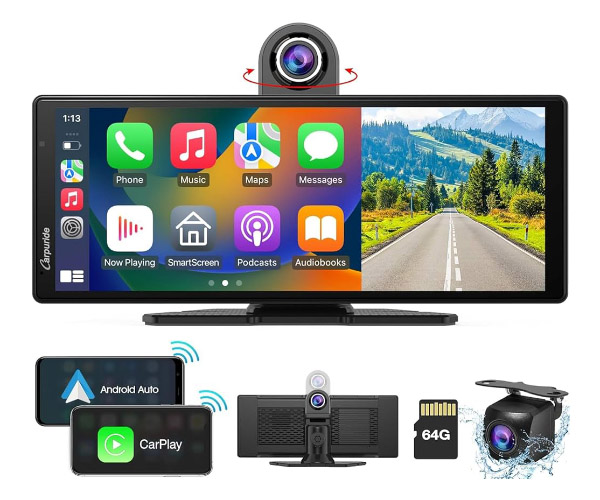
Upon opening the box, you’ll find a sleek 10-inch smart screen, although the effective display area is about 9.3 inches due to the slim bezels. Along with the screen, you’ll discover several accessories, including a 12V adapter with a right-angled USB-C connection, two mounting options (a sticky pad mount and a suction cup mount), an AUX audio cable, and an optional full HD reversing camera. The user manual is comprehensive, ensuring you have all the information needed for setup.
Click to buy your own…
(Affiliate links which help support this blog)
Mounting options:
- Sticky Pad Mount: This mount features an adjustable plate that can be tilted and turned, making it suitable for curved dashboards.
- Suction Cup Mount: A non-permanent option that allows easy relocation between vehicles.
Features of the W904
The W904 is packed with features designed to enhance your driving experience. The standout aspect is its rotating 4K dash cam, which can capture footage from both the road ahead and the cabin. This flexibility is a great asset for recording your journeys from different angles.

Screen and Display
The screen is bright and sharp, although some users might find the colors slightly cooler than expected. The layout is clean and user-friendly, allowing for easy navigation through the various apps and settings.
Click to buy your own…
(Affiliate links which help support this blog)
How to Install the Dashboard Console
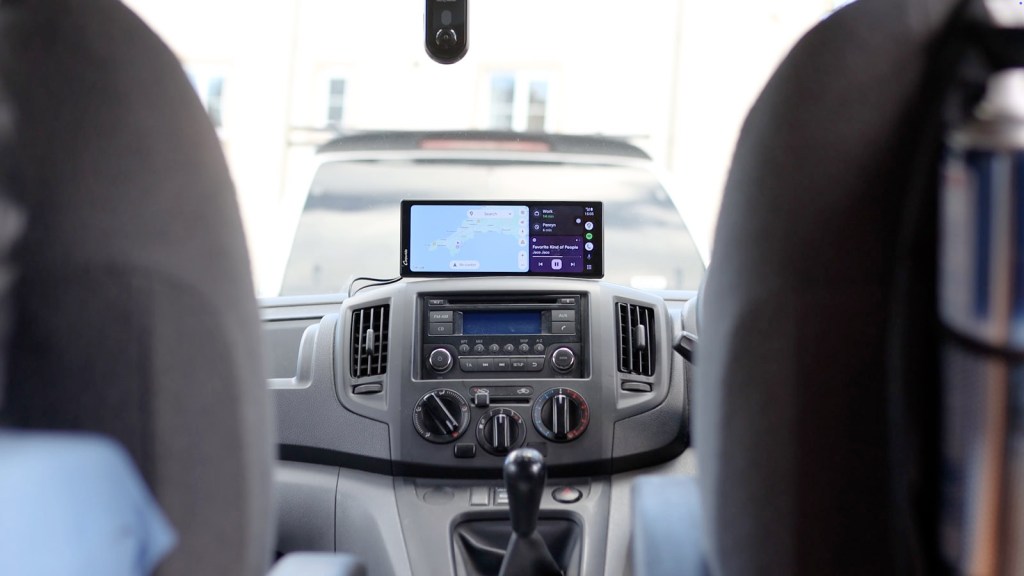
Installing the W904 is a straightforward process. You can choose your preferred mounting option, stick it down, and connect the USB-C cable to the vehicle’s 12V socket. Once powered, the device will automatically turn on, and the dash cam will begin recording right away.
We’re also on Instagram!
Check out yogi.the.van to keep up-to-date with all our adventures in the van!


Hiding Wires
For a clean installation, you can hide the wires behind your dashboard trim. While the process may vary by vehicle, most trims can be removed easily with a trim removal tool.
W904 Screen Features and Apps
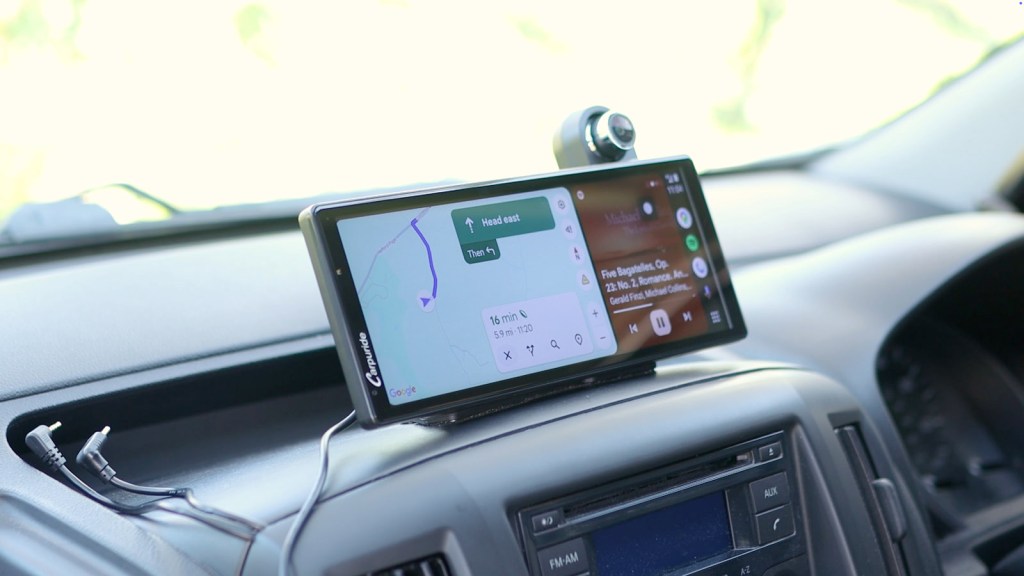
Once you get to the home screen, you’ll be greeted with a variety of options. The interface includes buttons for brightness adjustment, audio output, and dash cam viewing. Users can easily switch between CarPlay and Android Auto, ensuring seamless connectivity with their smartphones.

Connecting Your Smartphone
Connecting an iPhone or Android device is simple. For CarPlay, enable Bluetooth on your phone and select the W904 from the available devices. The same process applies for Android Auto, making it easy to access navigation and music apps.
Click to buy your own…
(Affiliate links which help support this blog)
W904 Settings
The settings menu allows for extensive customization. You can adjust screen brightness, audio output, and even toggle features like auto-brightness based on ambient light. The device supports multiple camera formats and resolutions, including 720p, 1080p, and 4K, allowing you to tailor the dash cam’s performance to your needs.
Installing a Rear View Camera
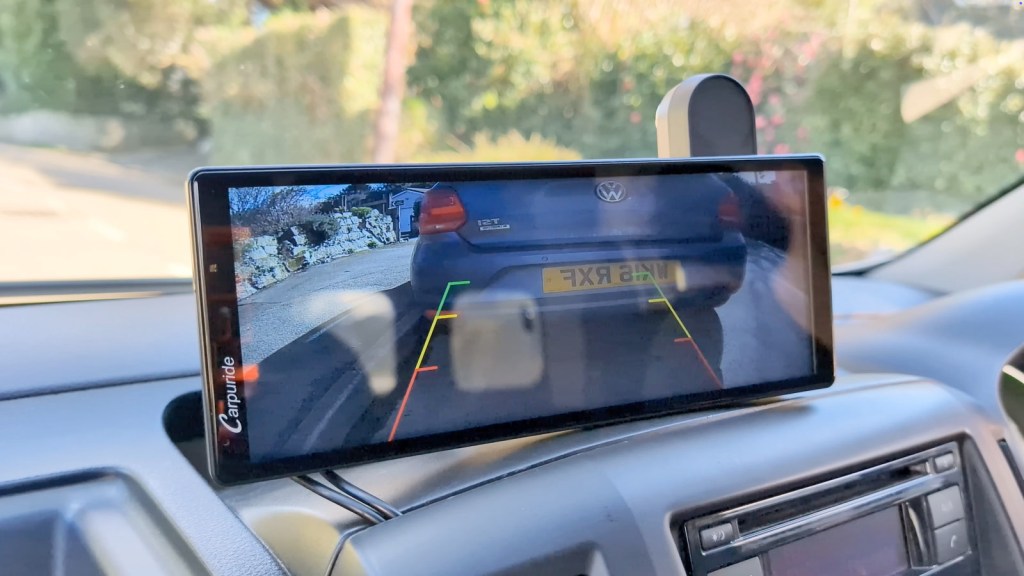
The optional full HD rear-view camera can be installed easily, providing additional safety when reversing. This feature is especially useful for parking and gauging distances. The installation process involves connecting the camera to the reversing light wire, so the display automatically shows the camera feed when the vehicle is in reverse.
4K Dash Cam Video Quality
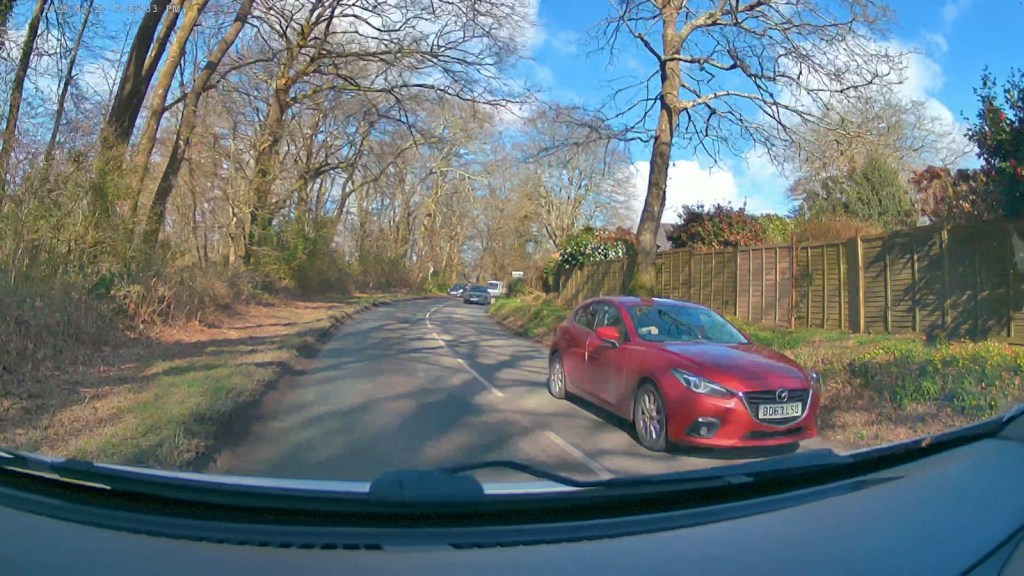
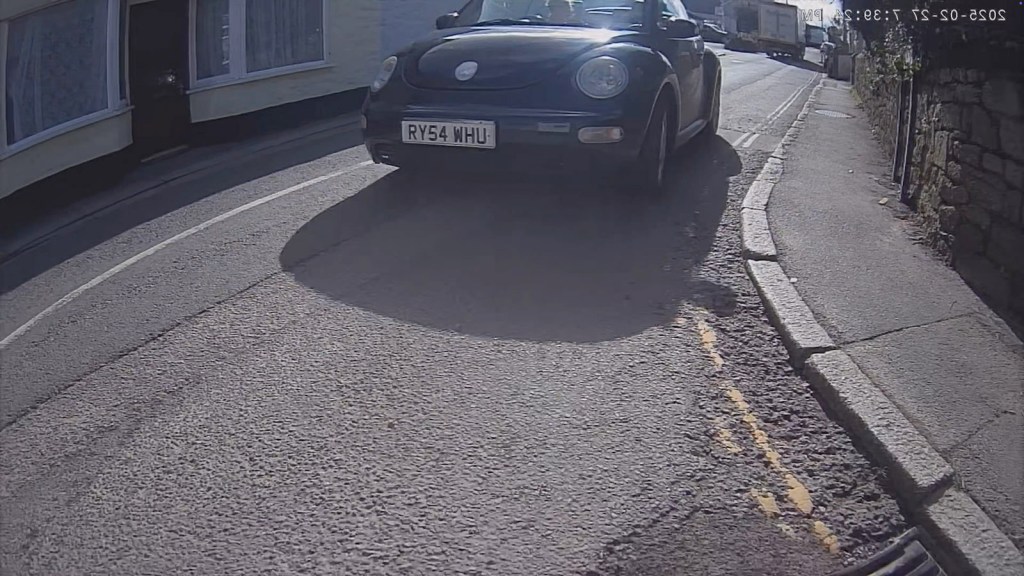
The W904’s 4K dash cam is a standout feature, offering sharp footage that captures essential details, such as license plates, both during the day and at night. The quality is impressive for a dashboard console, making it an excellent choice for those looking for reliable recording capabilities.
Performance During Testing
During testing, the W904 performed admirably. The device starts up quickly, with the home screen appearing in about 9 seconds and Android Auto ready in approximately 22 seconds. The interface is responsive, with minimal lag, making it easy to navigate through apps and settings.
Cost and Value
Surprisingly, the Carpuride W904 is reasonably priced at around £190 or $240, with occasional discounts available. Given its features, including the 4K dash cam and seamless smartphone integration, it offers excellent value for anyone looking to upgrade their vehicle’s tech.
Click to buy your own…
(Affiliate links which help support this blog)
Should You Buy the Carpuride W904?
If you’re in the market for a portable dashboard console that offers both CarPlay and Android Auto, the W904 is a compelling choice. It provides a significant upgrade for older vehicles without the need for costly modifications. Whether you’re looking for improved navigation, entertainment options, or enhanced safety through its dash cam, this device ticks all the boxes.

Conclusion
The Carpuride W904 represents a fantastic solution for drivers seeking modern conveniences in their vehicles. With its user-friendly interface, excellent video quality, and easy installation, it’s clear why this dashboard console is gaining popularity. If you found this review helpful, feel free to share your thoughts in the comments below, and don’t forget to like, subscribe, and hit the bell icon for more tech reviews!
Click to buy your own…
(Affiliate links which help support this blog)
 The Tiny Camper Van