

This article is a written account of a video from the Lens Of James YouTube channel. Watch the video above and subscribe if you like what you see!
This article contains affiliate links to relevant products I have used in my videos. By buying through these links, I receive a small percentage of the sale at no cost to you which helps me support and grow my website and YouTube channel, so I can create more content like this in the future. Thank you for your support.
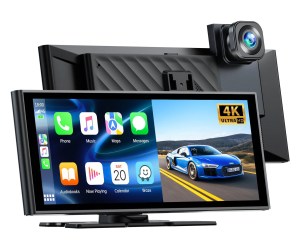
Welcome to the world of seamless connectivity in your vehicle! Today, we’re diving deep into the Lamtto RC14 portable dashboard console, a game-changer for car enthusiasts and everyday drivers alike.

If you’re looking to add Apple CarPlay or Android Auto to your vehicle, this device promises an easy five-minute plug-and-play installation. But that’s just the tip of the iceberg.
The Lamtto RC14 also features a built-in 4K dash cam and an optional reversing camera, making it an all-in-one solution for modern car tech.
Click to buy your own…

(Affiliate links which help support this blog)
Introducing the Lamtto RC14
The Lamtto RC14 is designed to bring the latest tech to almost any vehicle. With its sleek design and a 9.26-inch touchscreen boasting a resolution of 1600 x 600 pixels, it’s not just functional but also visually appealing. The device fits into any car with a 12 to 36V port, allowing you to enjoy the benefits of modern infotainment systems regardless of your vehicle’s age.
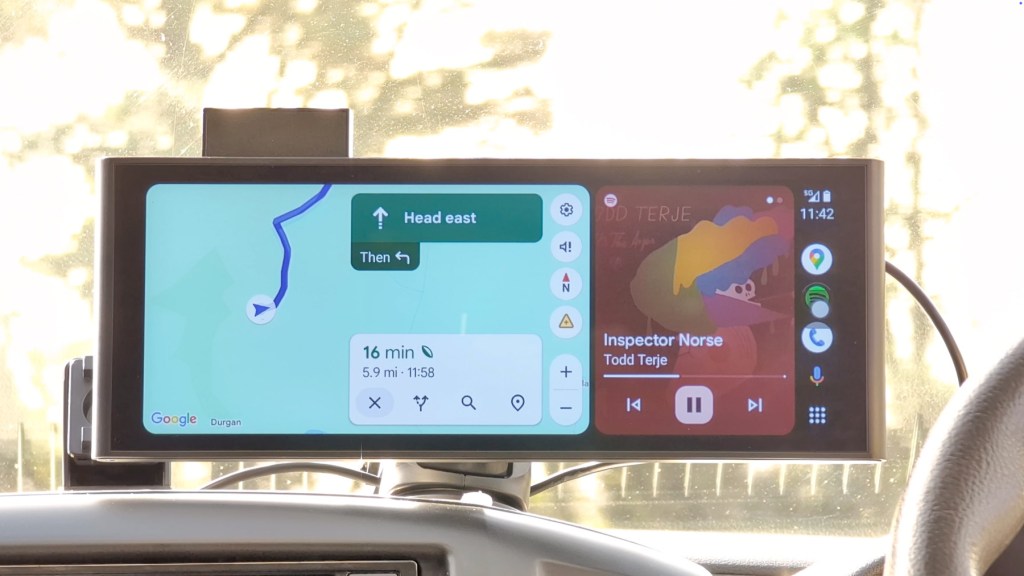
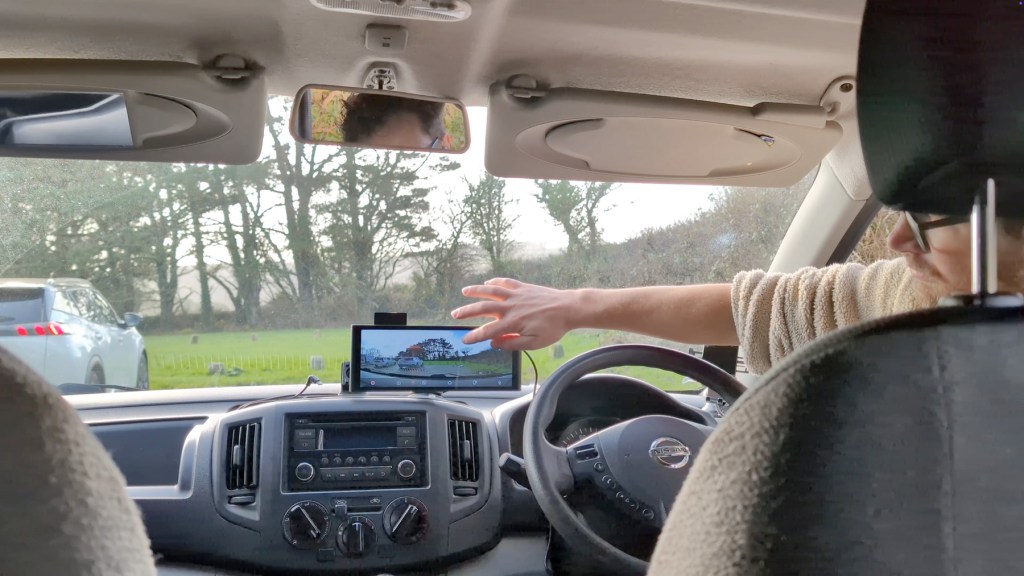
One of the standout features of the RC14 is its built-in 4K dash cam. This not only enhances your driving experience but also provides an additional layer of security. Plus, it supports Bluetooth steering wheel controls, ensuring you can navigate without taking your hands off the wheel.

Unboxing the Dashboard Console
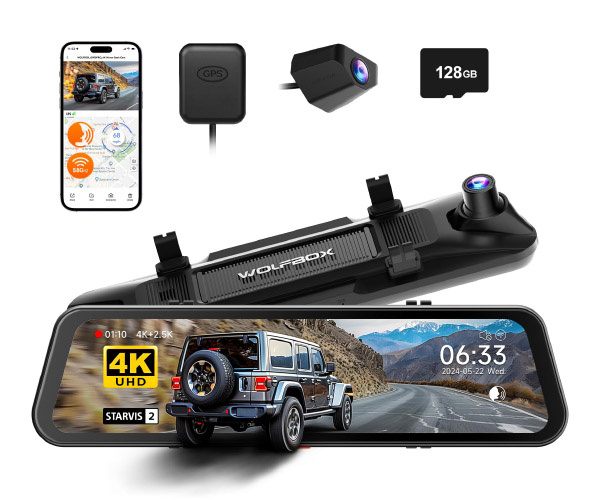
Inside the unbranded box, you’ll find the Lamtto RC14 along with several accessories that enhance its functionality. Let’s take a closer look at what’s included:
- 12V to USB-C Power Cable: This cable also features a USB-A port for charging other devices simultaneously.
- Mounting Options: You get both a sticky pad mount for curved dashboards and a suction cup mount for flexibility in placement.
- AUX Audio Cable: For wired music playback through your car speakers.
- Trim Removal Tool: To help hide cables in your dashboard.
- Optional Rear View Camera: This can double as a reversing camera, with easy installation options.
- User Manual: A comprehensive guide covering everything you need to know.
Click to buy your own…
(Affiliate links which help support this blog)
The device also features a power button on top, but it will automatically turn on when plugged in and the vehicle’s ignition is activated. The back of the console houses the 4K dash cam, which can be adjusted for optimal viewing angles.
We’re also on Instagram!
Check out yogi.the.van to keep up-to-date with all our adventures in the van!


How to Install the Lamtto RC14
Installing the Lamtto RC14 is a breeze. Here’s a step-by-step guide on how to get it up and running:
- Choose your mounting option: suction cup or sticky pad.
- Secure the mount to your preferred location, whether on the dashboard or overhanging the existing radio.
- Attach the device to the mount and plug the USB-C cable into the console and the other end into the vehicle’s 12V socket.
- Neaten up any visible wires using the trim tool and sticky cable clips provided.
Once powered, the RC14 automatically starts recording through its front camera. It takes around 10 seconds to power up and display the home screen, and a further six seconds to begin recording. For those using Android Auto, the device usually takes around 20 seconds to switch modes.

Exploring the Apps on the Lamtto RC14
The Lamtto RC14‘s interface is user-friendly, featuring a bright and vibrant display. The home screen offers quick access to various functions, ensuring you can easily navigate through its features:
- CarPlay: Connect your iPhone wirelessly via Bluetooth for music and navigation.
- Android Auto: Similar connection process for Android users.
- AirPlay: Mirror your iPhone screen for video playback.
- BT Music: Play music wirelessly through Bluetooth without using CarPlay or Android Auto.
Click to buy your own…
(Affiliate links which help support this blog)
All tabs are also accessible directly from the home screen, allowing for quick navigation. The RC14 integrates third-party tech seamlessly, enabling you to enjoy your favourite apps while driving.
Settings and Customisation
The settings menu is straightforward, allowing you to tailor the device to your preferences. Key features include:
- Screen Saver Duration: Adjust how long before the screen goes dark.
- Auto-Brightness: Control the brightness based on ambient light.
- Camera Settings: Choose resolution, segment duration, and more for the dash cam.
Additionally, you can set the system language, format the memory card, and check firmware updates. The settings menu is comprehensive, ensuring you can make the RC14 work exactly how you want it.
Installing the Reversing Camera
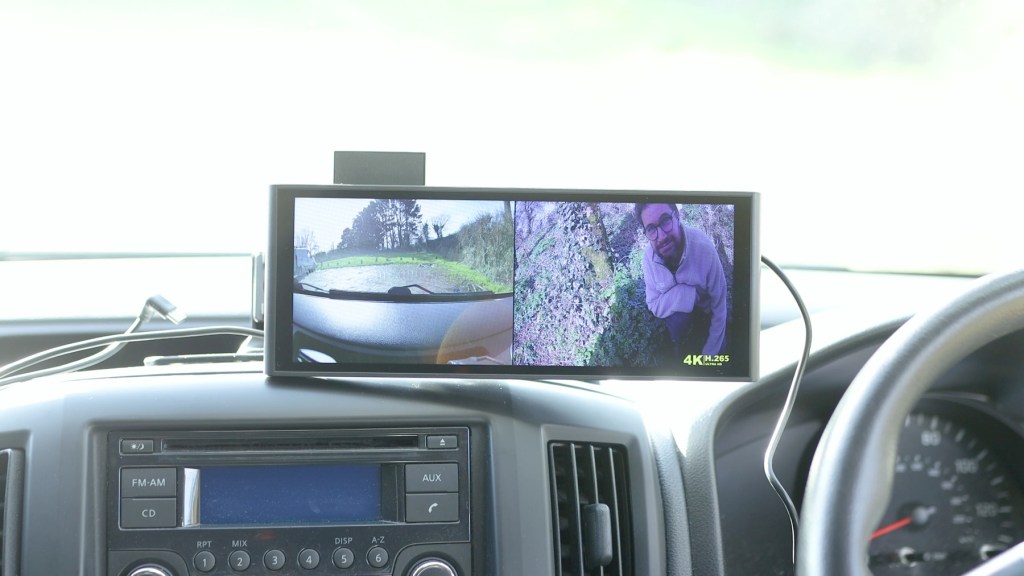
The optional full HD rear view camera is a fantastic addition that serves a dual purpose. It functions as both a rear dash cam and a reversing camera. Installation involves:
- Attaching the camera using the provided sticky pad or screws.
- Feeding the long wire through the vehicle to hide it.
- Connecting the red wire to the reversing light for automatic activation.
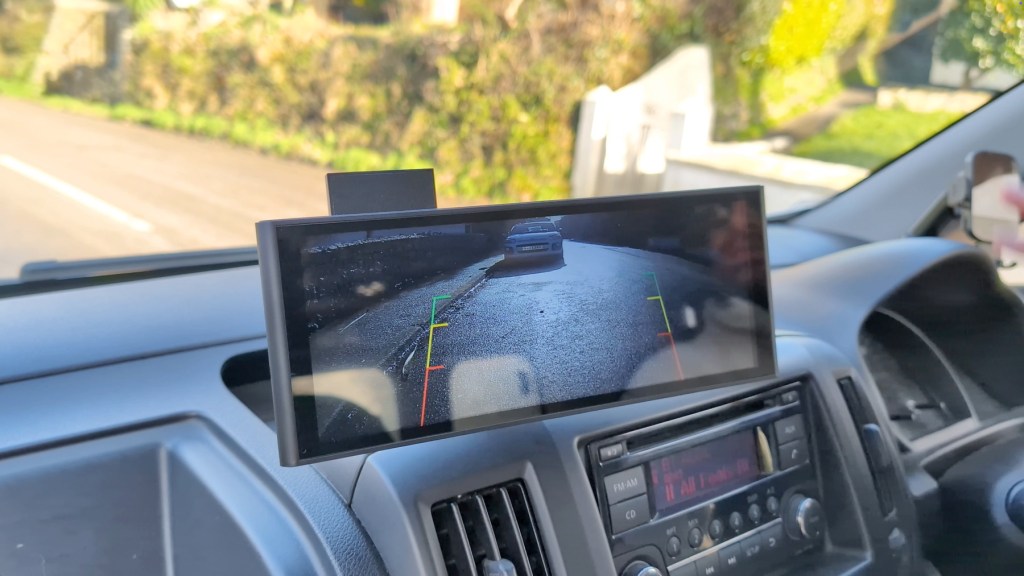
Once installed, the camera will automatically display when you shift into reverse, making parking a breeze.
Check out a detailed video on how to wire a reversing camera HERE


Dash Cam Image Quality
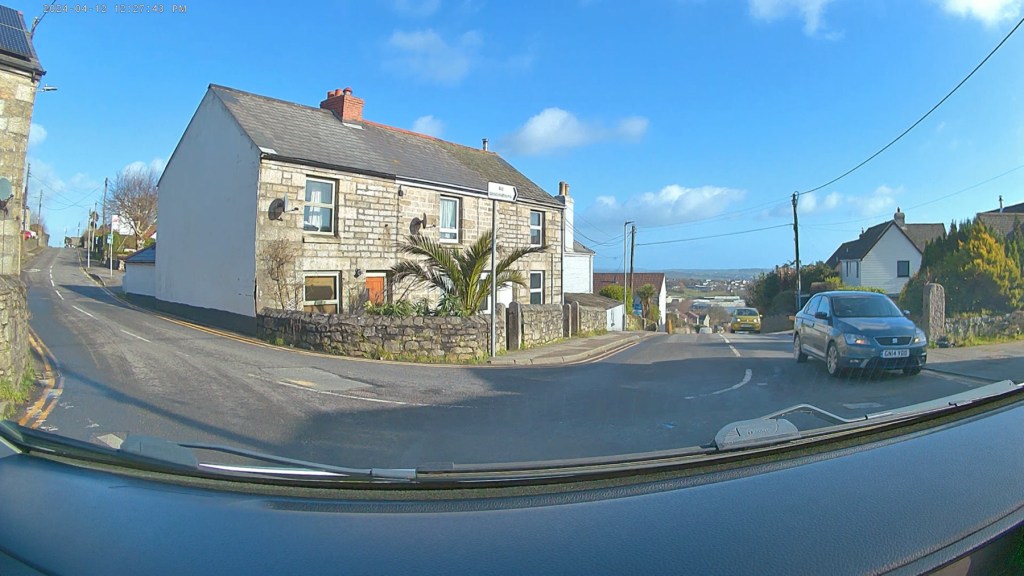
When it comes to dash cam performance, the Lamtto RC14 delivers solid quality. The 4K footage is decent, although dash cams generally compress video to save space. You can expect clear images during the day and reasonable visibility at night. Here’s a breakdown of the video quality:
- 4K, 2.5K, 1080p, and 720p footage comparisons show clear differences in resolution.
- The front camera captures important details like number plates effectively.
- The rear camera, while good quality, does not feature night vision, but it’s still useful for reversing.


Click to buy your own…
(Affiliate links which help support this blog)
Pricing of the Lamtto RC14
Now, let’s talk about the cost. The Lamtto RC14 is priced competitively at around £160 or $199. However, during sales, you might find it for just over £100 or about $130. This makes it an attractive option for those looking for a budget-friendly upgrade without compromising on functionality.
Links to purchase the Lamtto RC14 can be found in the description, allowing you to find the best deal possible.
Should You Buy the Lamtto RC14?
The Lamtto RC14 packs a lot of features into a sleek package at a fantastic price point. It serves dual purposes as a CarPlay console and a dash cam, making it a worthwhile investment for anyone looking to upgrade their vehicle’s tech. The quick loading times, stable software, and ease of use all contribute to a positive experience.
For those looking to add modern features to older vehicles without the hassle of extensive wiring, the Lamtto RC14 is an excellent choice. Its versatility and functionality make it a must-have for car enthusiasts and casual drivers alike.
If you found this review helpful, consider liking and subscribing for more insights into car tech and accessories. Your support helps us continue to bring you quality content. What do you think? Is the Lamtto RC14 the right fit for your vehicle?
Click to buy your own…
(Affiliate links which help support this blog)
 The Tiny Camper Van