

This article is a written account of a video from the Lens Of James YouTube channel. Watch the video above and subscribe if you like what you see!
This article contains affiliate links to relevant products I have used in my videos. By buying through these links, I receive a small percentage of the sale at no cost to you which helps me support and grow my website and YouTube channel, so I can create more content like this in the future. Thank you for your support.
Introducing The Garmin Mini 3
The Garmin Mini 3 is one of three dash cams released by Garmin in 2024, and it’s making waves in the tech community. This little powerhouse may be compact, but it packs a punch when it comes to features. Let’s dive into why this dash cam deserves a spot on your dashboard, even if it doesn’t take up much space at all.

Compact Design
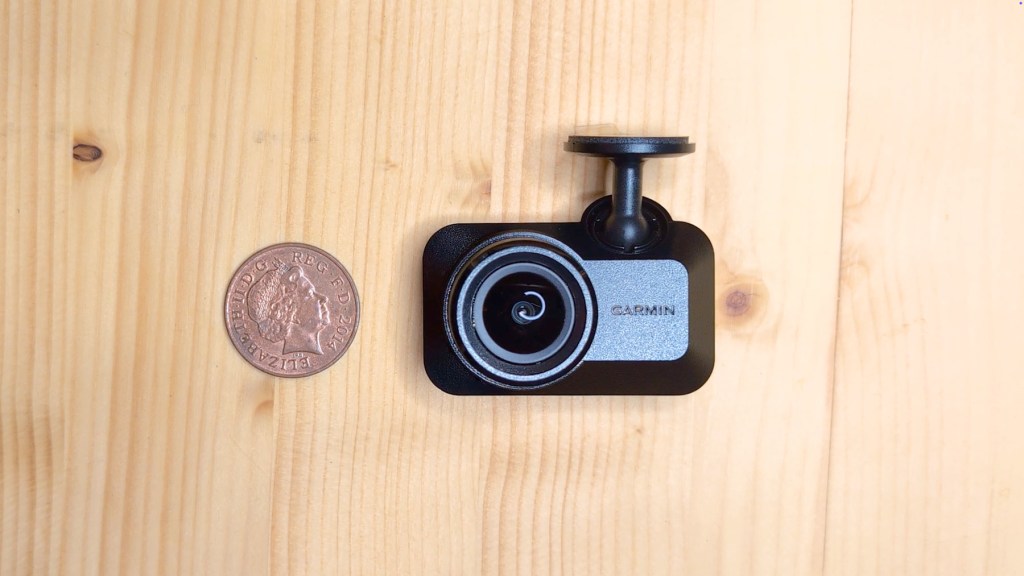
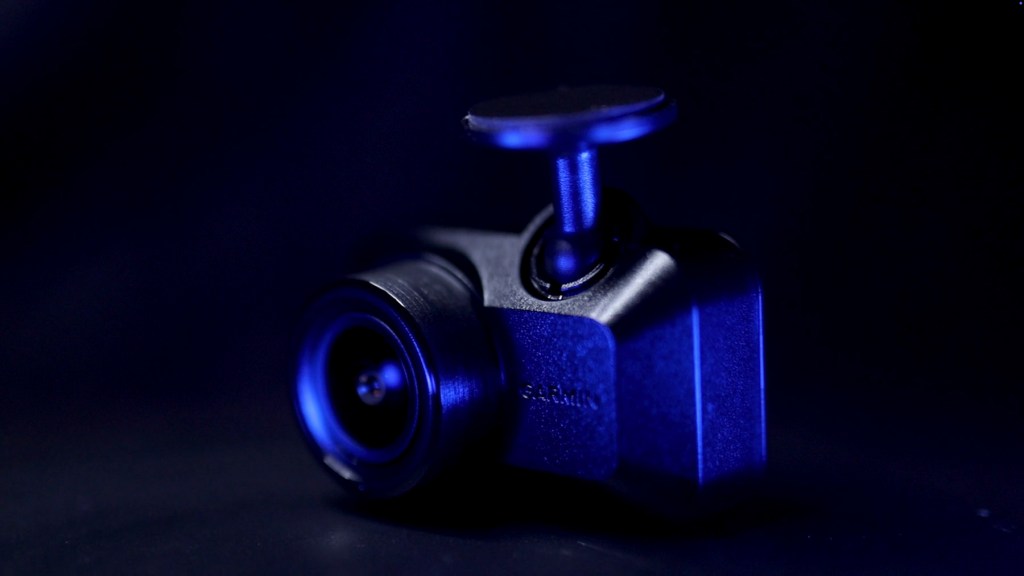
What sets the Mini 3 apart is its tiny design. It’s so compact that it practically disappears behind your rearview mirror, ensuring an unobstructed view of the road and keeping your vehicle uncluttered. But don’t let its size fool you; this tiny titan is equipped with features to keep a watchful eye on the road.

Click to buy your own…
(Affiliate links which help support this blog)
Unboxing the Mini 3
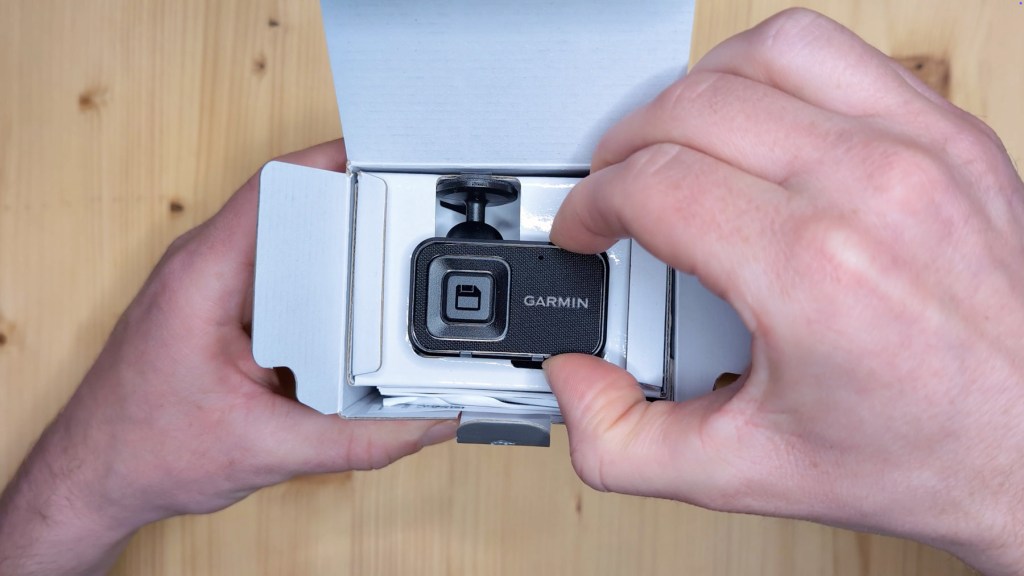
Upon taking the Mini 3 out of the box, the first thing you’ll notice is just how tiny it is. The textured black plastic body and prominent lens on the front give it a sleek look.
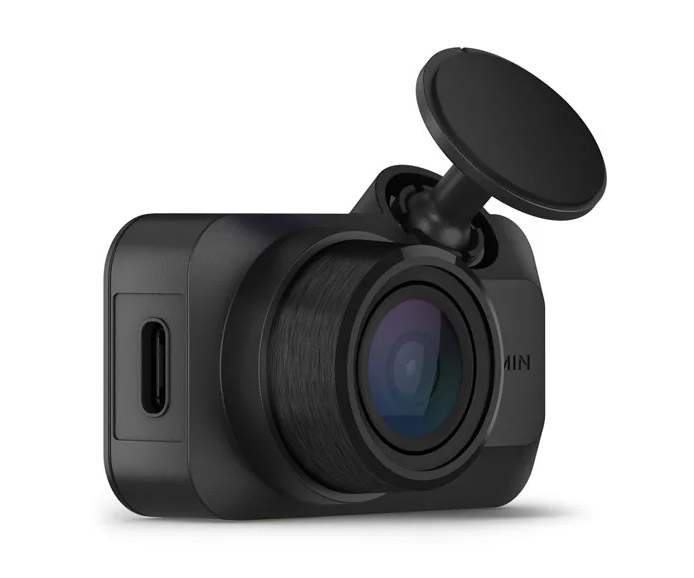
The adjustable sticky pad mount on the top is designed to suit the camera well. On the side, there’s a USB-C port for power, and on the back, a large button protects the recorded footage. The base has a micro-SD card slot that supports cards from 8 to 512 GB, although a card isn’t included in the box.
Click to buy your own…
(Affiliate links which help support this blog)
Easy Installation
Installing the Garmin Mini 3 is a breeze. Start by cleaning your windscreen to ensure it’s free from dirt and grease. Once done, peel off the protective cover from the sticky pad, line it up on the glass, and press it firmly in place. The mount swivels, making alignment easy.
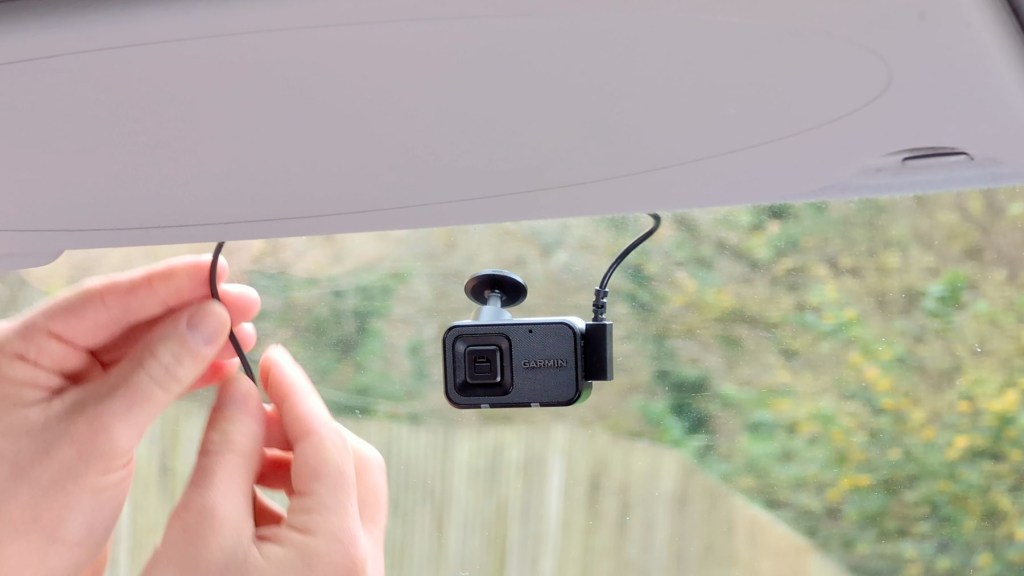
To power the dash cam, grab the USB-C power cable and plug it in, ensuring to tuck the cable neatly into your vehicle’s trim for a clean look. Once connected to the power source, the dash cam will automatically begin recording when you start your vehicle.
We’re also on Instagram!
Check out yogi.the.van to keep up-to-date with all our adventures in the van!


Outstanding Features
Now, let’s talk about what makes the Garmin Mini 3 stand out in a crowded dash cam market:
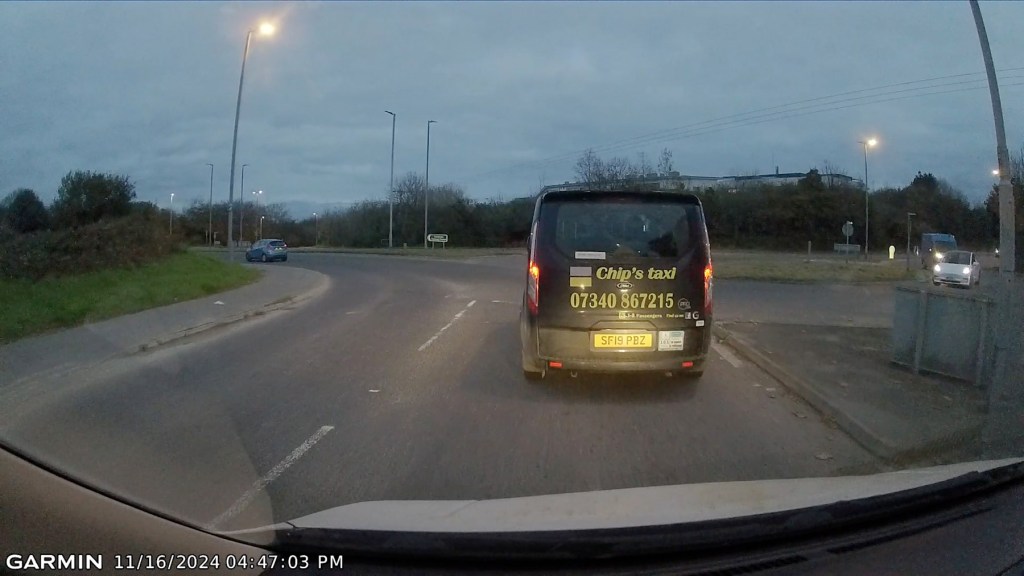
- Video Quality: Captures your drive in full 1080p high-definition video, ensuring every detail is clear.
- Wide Field of View: The 140° field of view captures more of the road, giving you a comprehensive view of your surroundings.
- Built-in Polarizing Filter: Reduces reflections, enhancing clarity through the windscreen.
- Voice Control: Keep your hands on the wheel and eyes on the road; just say the word to save videos.
- Incident Detection: The built-in G-sensor automatically detects incidents and saves the relevant footage.
- GPS Logging: Logs your location and speed, providing crucial data in case of an incident.
- Parking Guard: Monitors your parked vehicle, recording if it detects motion or an impact.

Click to buy your own…
(Affiliate links which help support this blog)
Utilising the Garmin Drive App
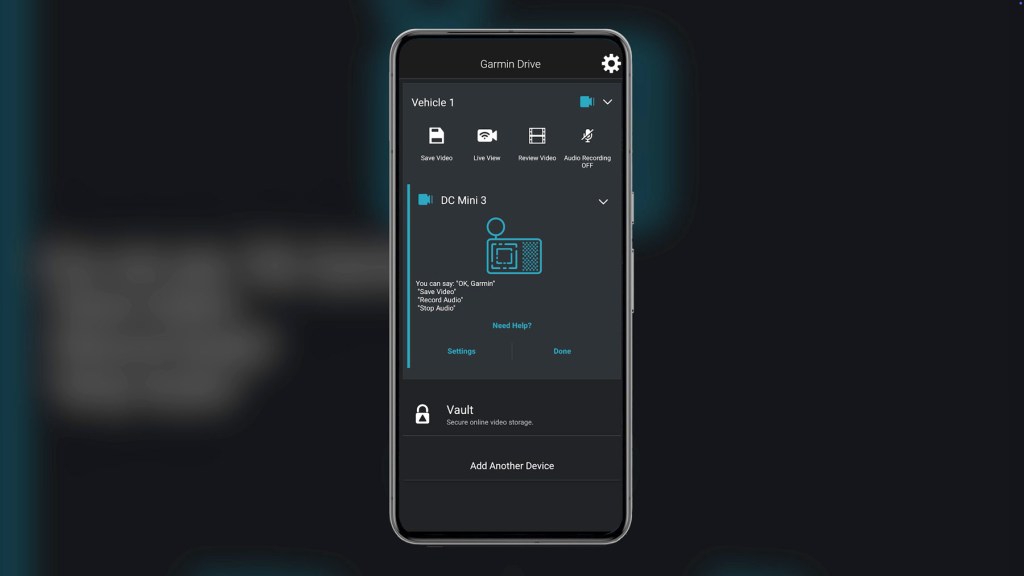
The Garmin Drive app serves as your control center for the Mini 3. It allows you to view and manage your recorded videos, adjust settings, and even live view your cam. Download the app from the App or Play Store, connect your dash cam, and you’re good to go!

Video Quality Insights
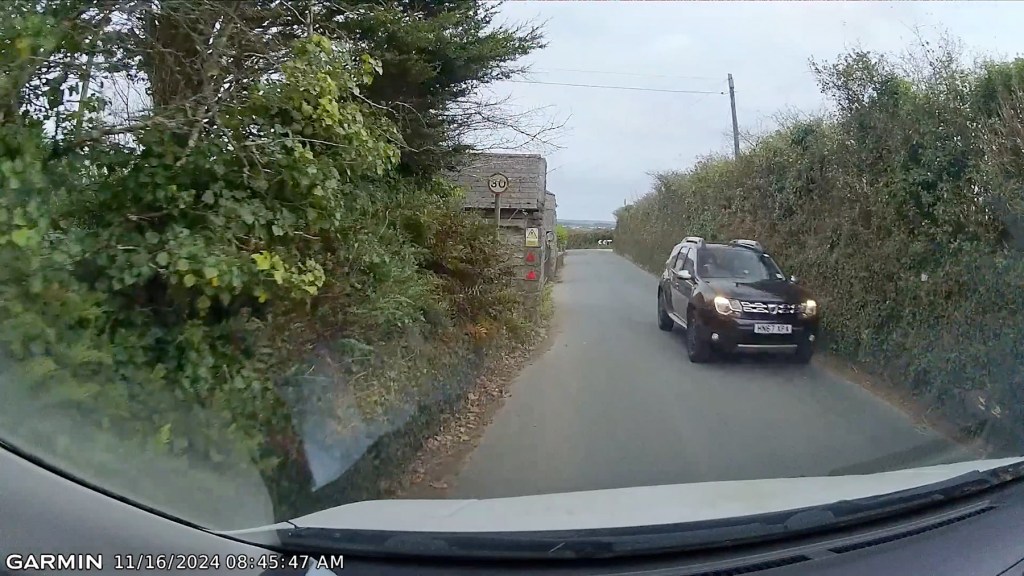
The Mini 3 shoots 1920 by 1080 resolution at 30 frames per second, or you can opt for 720p to save memory. The lens offers a wide field of view, ensuring that number plates and other important details remain visible. You can expect good footage quality, especially with the HDR capabilities that help in bright and dark areas.

Pricing and Subscription Options
Back on the homepage, the next button along is Live View, and tapping it will crete a wi-fi connection between your phone and the dash cam.
Accessories You Might Consider
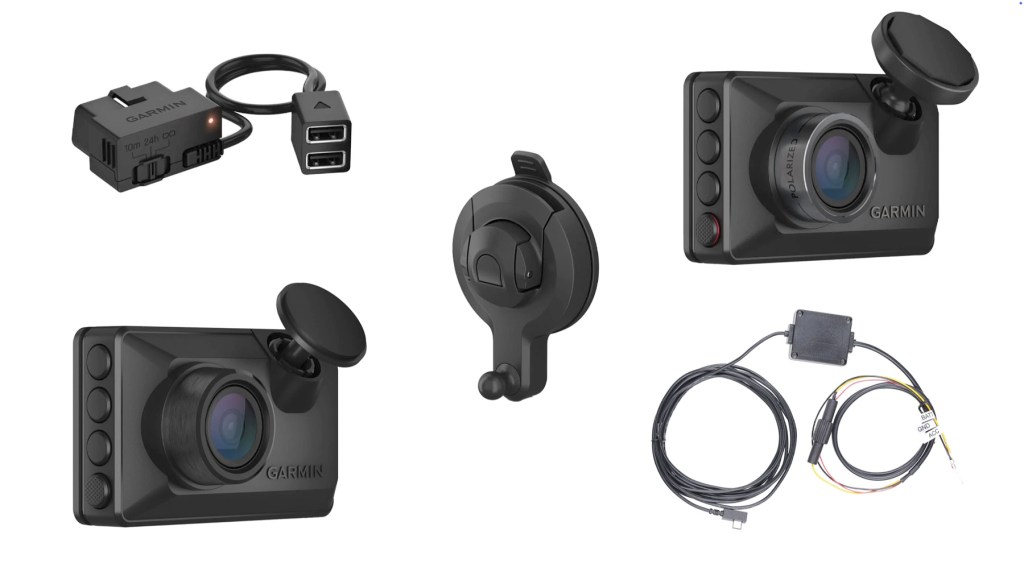
When purchasing the Garmin Mini 3, consider these accessories:
Constant Power Cable: Ensures the dash cam is always filming.
Parking Mode Cable: Enables the parking guard feature.
Suction Cup Mount: An alternative to the sticky pad mount for easy removal.
Conclusion
The Garmin Mini 3 is a compact and capable dash cam that’s perfect for anyone looking to enhance their driving experience. Its lack of a screen may be a drawback for some, but the app-based controls offer a modern solution for managing your footage. With easy installation and useful features like parking guard, it’s a worthy investment for safety and peace of mind on the road.
Click to buy your own…
(Affiliate links which help support this blog)
 The Tiny Camper Van